andreysmelter/ubuntu-foswiki
Ubuntu 18.04 (LTS) with Foswiki
2.1K
andreysmelter/ubuntu-foswiki repository overview
ubuntu-foswiki



This Dockerfile contains instructions on how to build an image with Foswiki 2.1.6 based on Ubuntu 18.04 (LTS).
Links:
Install
- Install
docker: - Install
ubuntu-foswiki:pullbuilt image from the docker hub:
# docker pull andreysmelter/ubuntu-foswiki # docker tag andreysmelter/ubuntu-foswiki:latest ubuntu-foswiki:latest # retag docker image # docker rmi andreysmelter/ubuntu-foswiki # remove after you have retagged it- or
buildan image usingDockerfileat the root of this repo by runningdocker buildfrom directory containingDockerfile:
# docker build -t ubuntu-foswiki .
Run Foswiki
- To
runFoswiki:
# docker run -t -p 4000:80 ubuntu-foswiki
- Go to the following address:
http://localhost:4000/foswiki
The image contains unconfigured Foswiki installation where you will need to save paths,
set admin password, register user, etc.
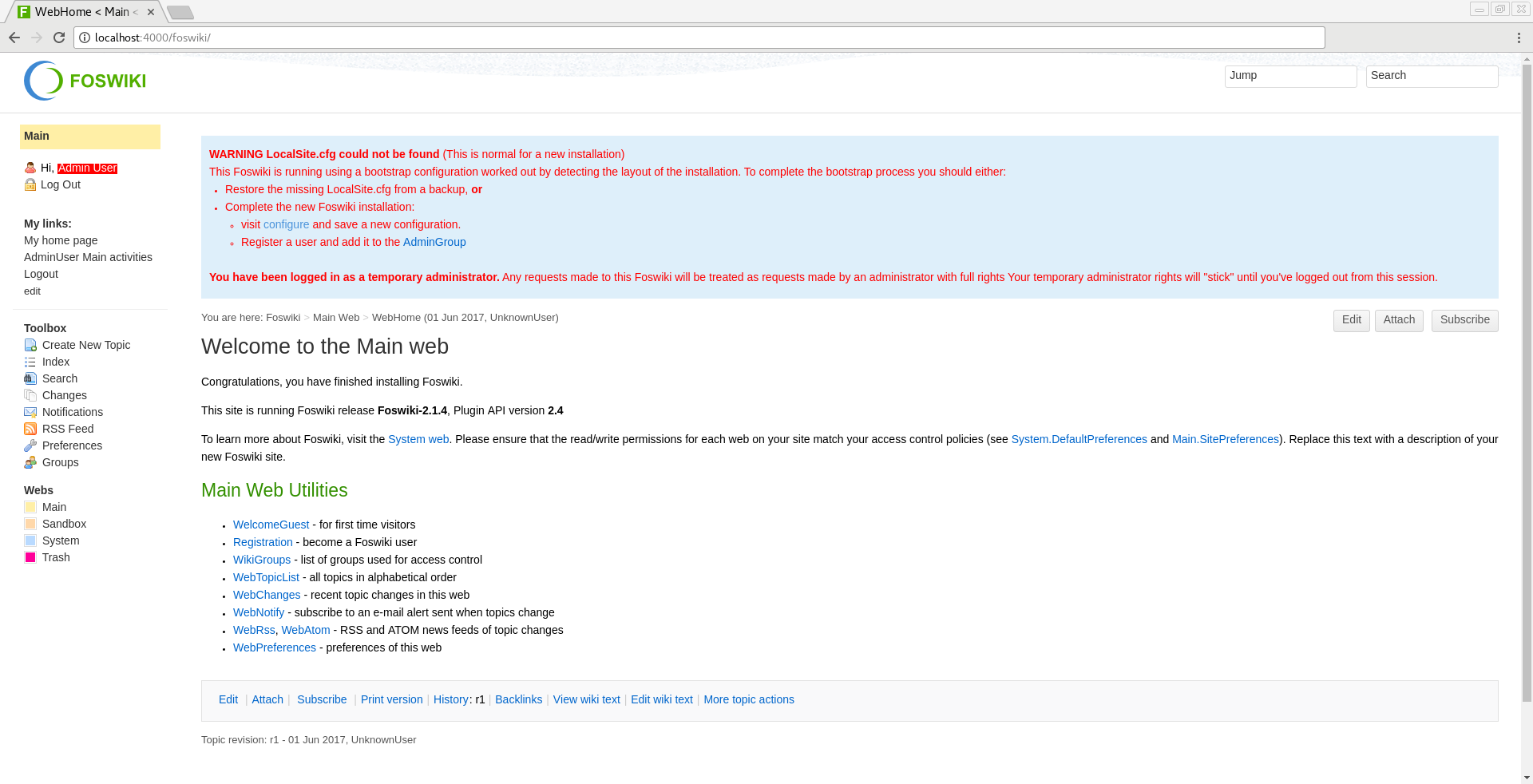
Configure Foswiki
Foswiki Tutorial
Visit Foswiki Documentation to learn more:
Slide show presentation for beginners:
General Configuration
-
Visit
configurepage (follow the link from the main page).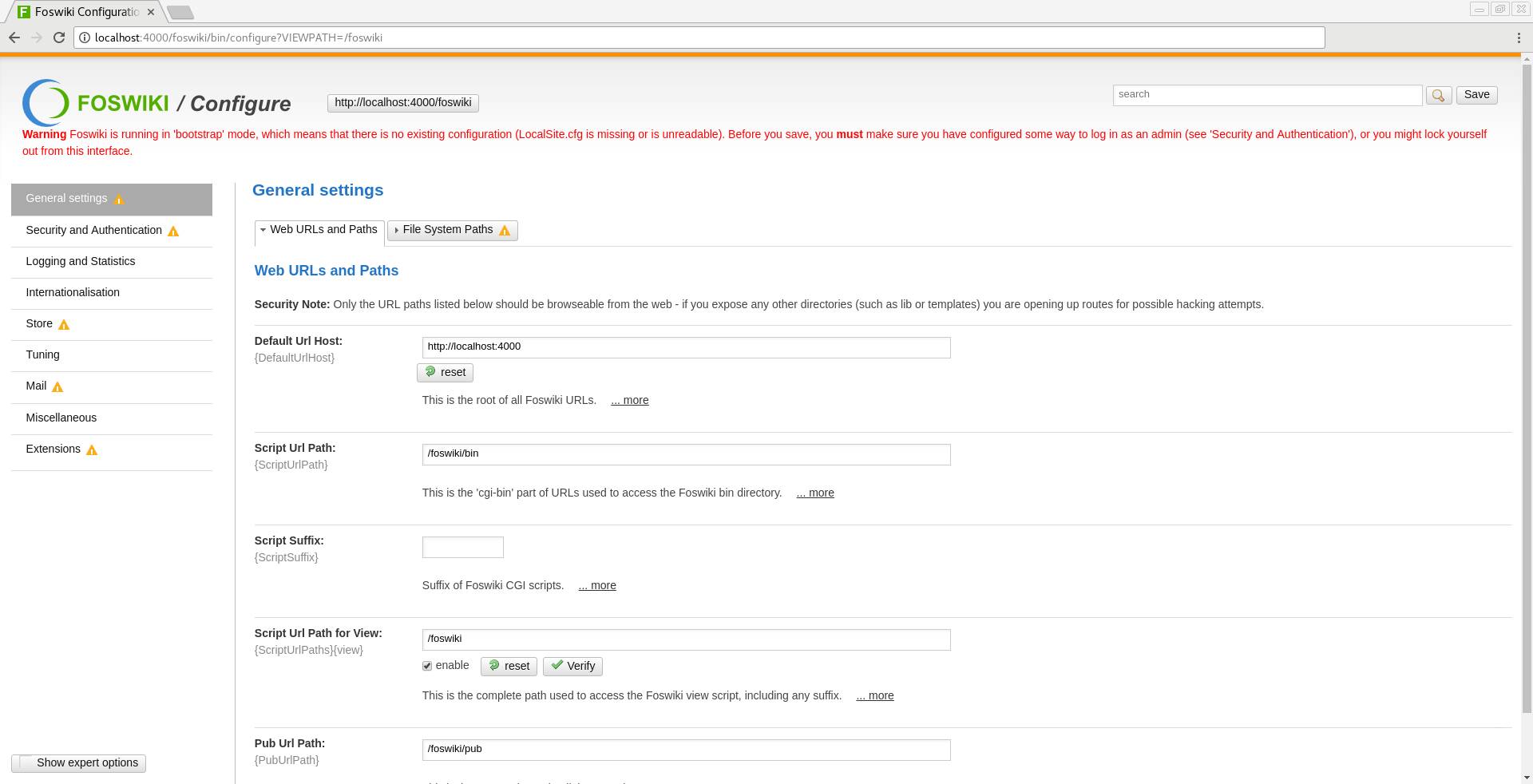
-
Add
Internal Admin Passwordunder Security and Authentication -> Passwords.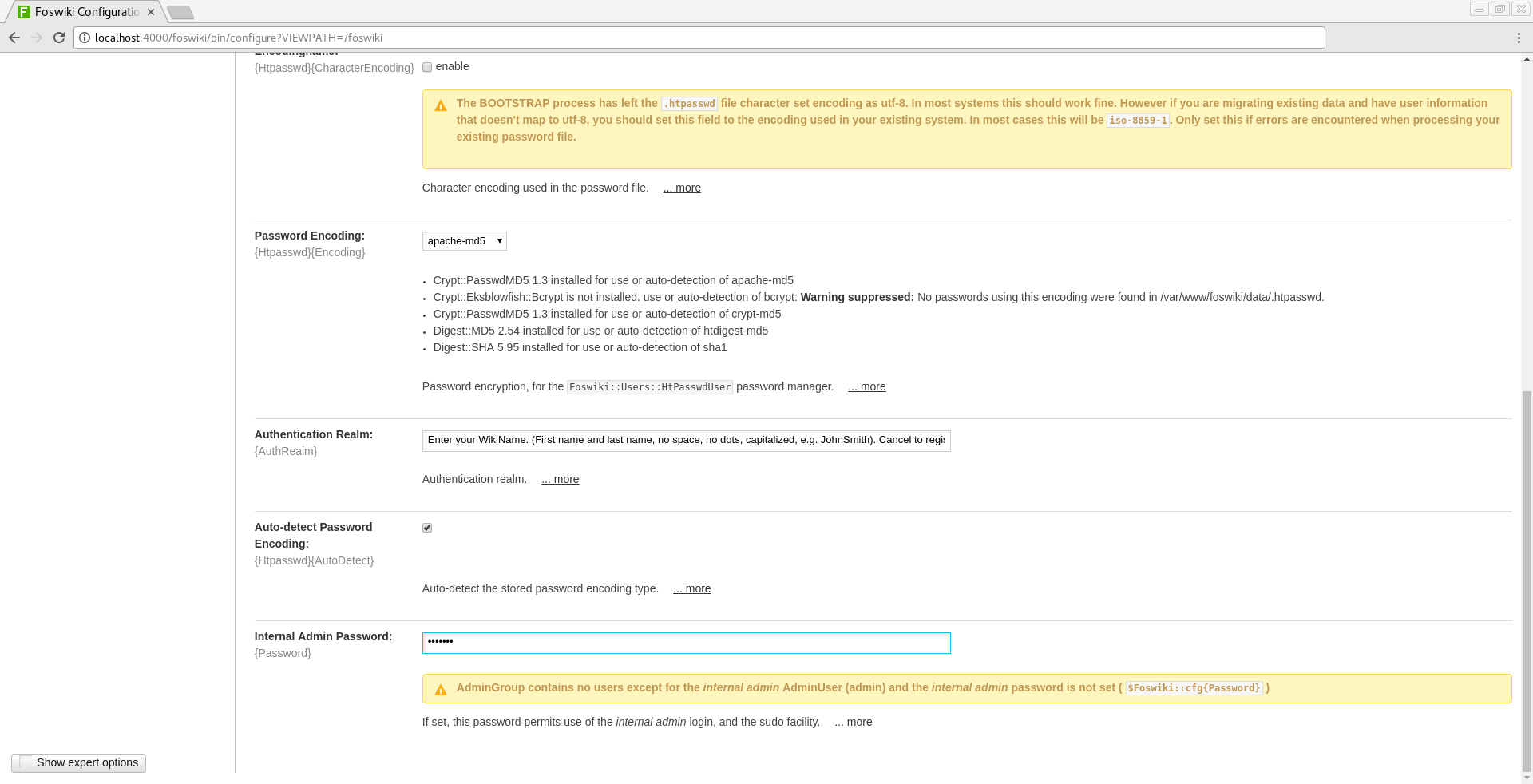
-
Add your
UserNametoAccess to Configure(users who can accessconfigurepage) under Security and Authentication -> Access Control.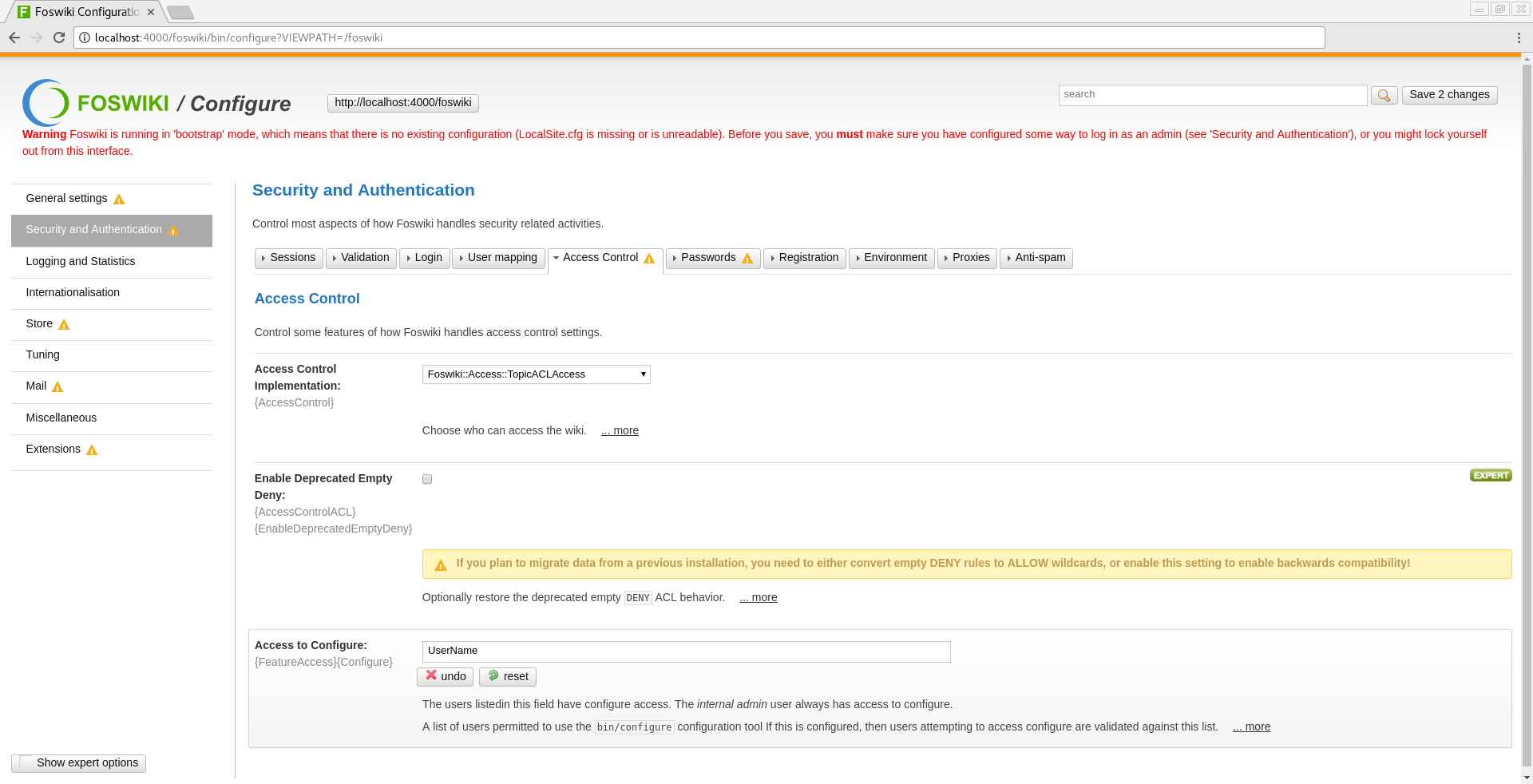
-
Save
configurepage. -
Go to
http://localhost:4000/foswiki/System/UserRegistrationand register yourUserName.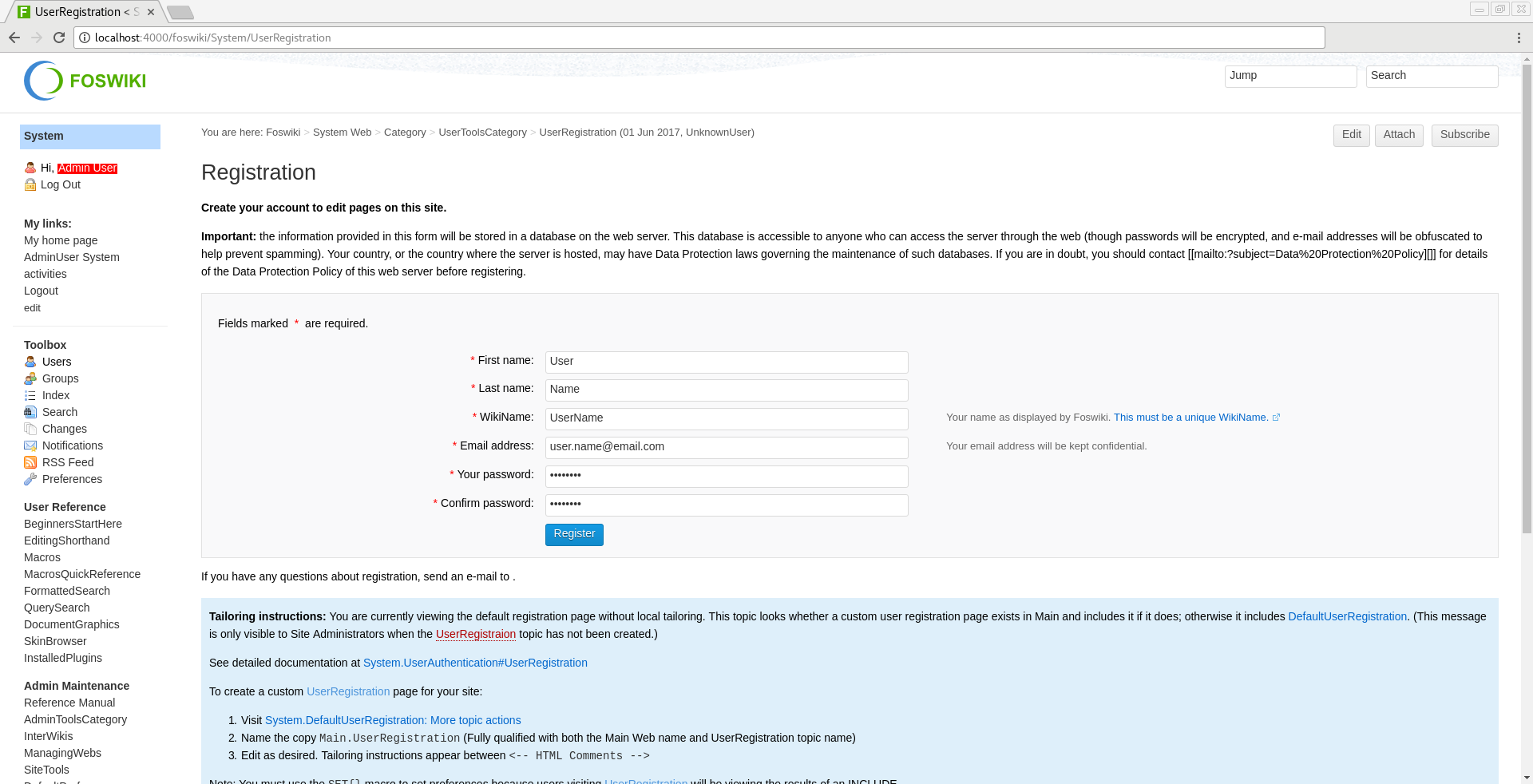
-
Go to
http://localhost:4000/foswiki/Main/AdminGroupand add yourUserNametoAdminGroup.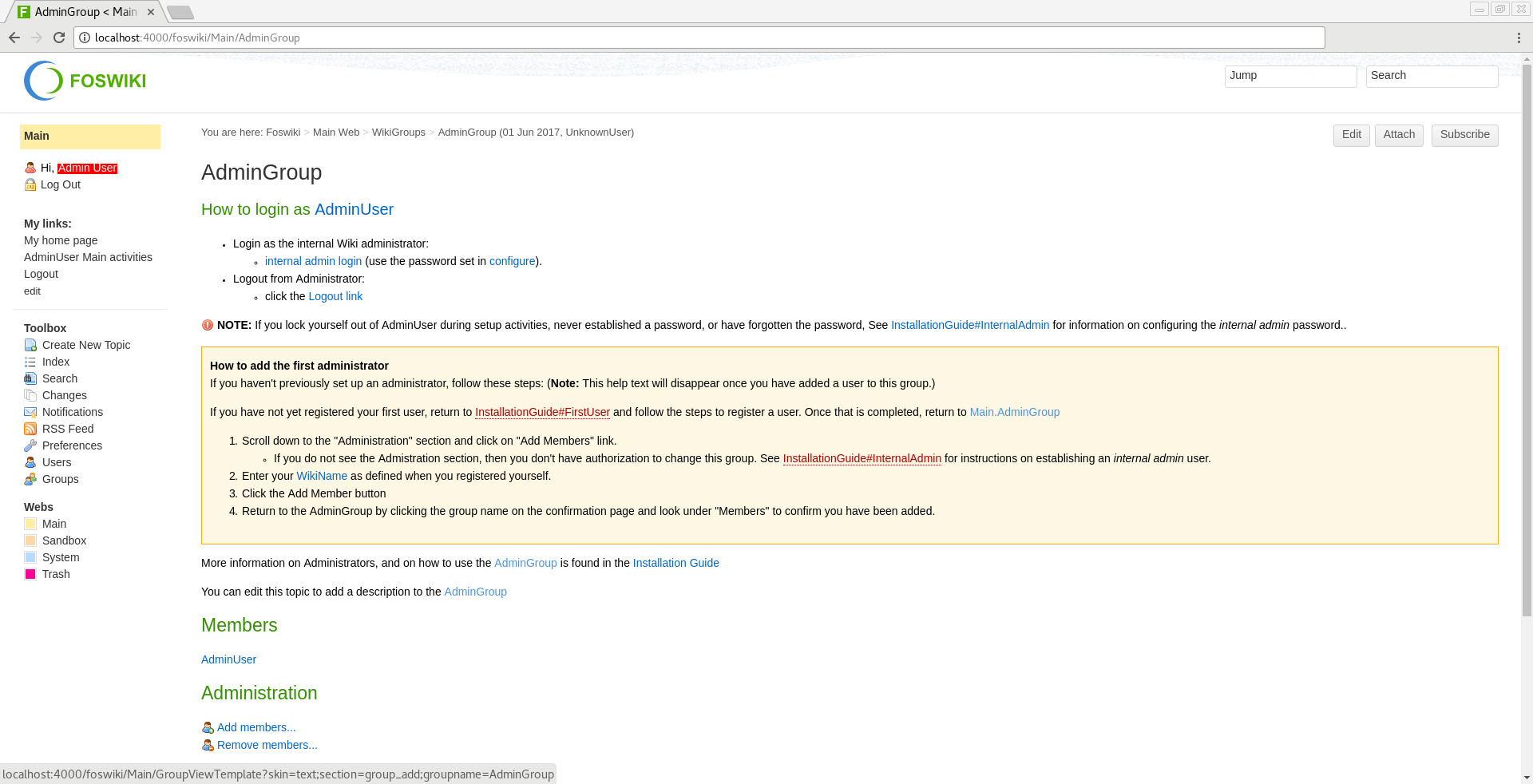
Additional Configuration
-
To protect main page with login screen:
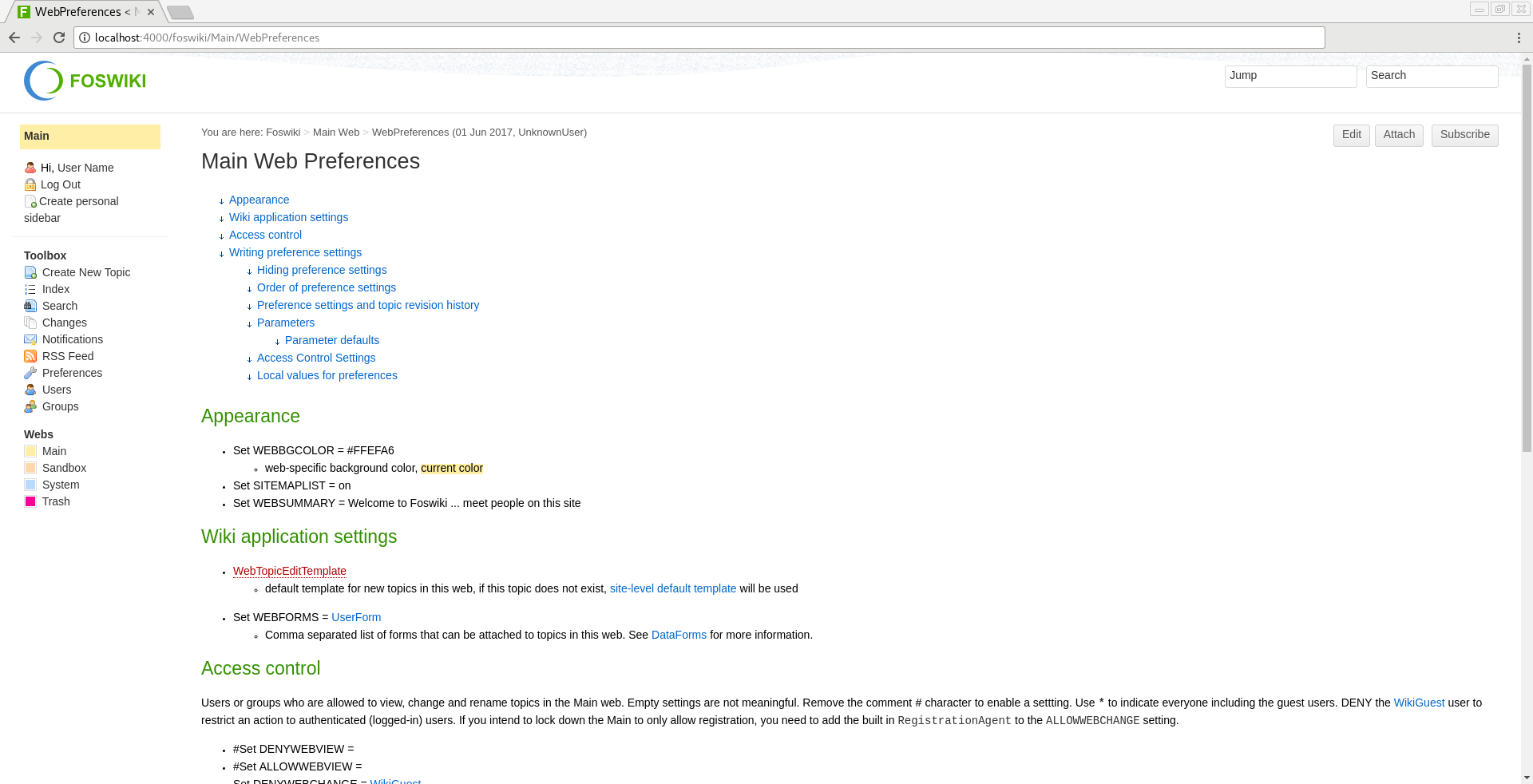
- Go to
http://localhost:4000/foswiki/Main/WebPreferences. - Under Access control find Set ALLOWWEBVIEW = and change it to Set ALLOWWEBVIEW = AdminGroup.
- Under Access control find Set ALLOWWEBCHANGE = and change it to Set ALLOWWEBCHANGE = RegistrationAgent.
- Go to
-
To create new webs:
- Go to
http://localhost:4000/foswiki/System/ManagingWebs. - Create new
Web.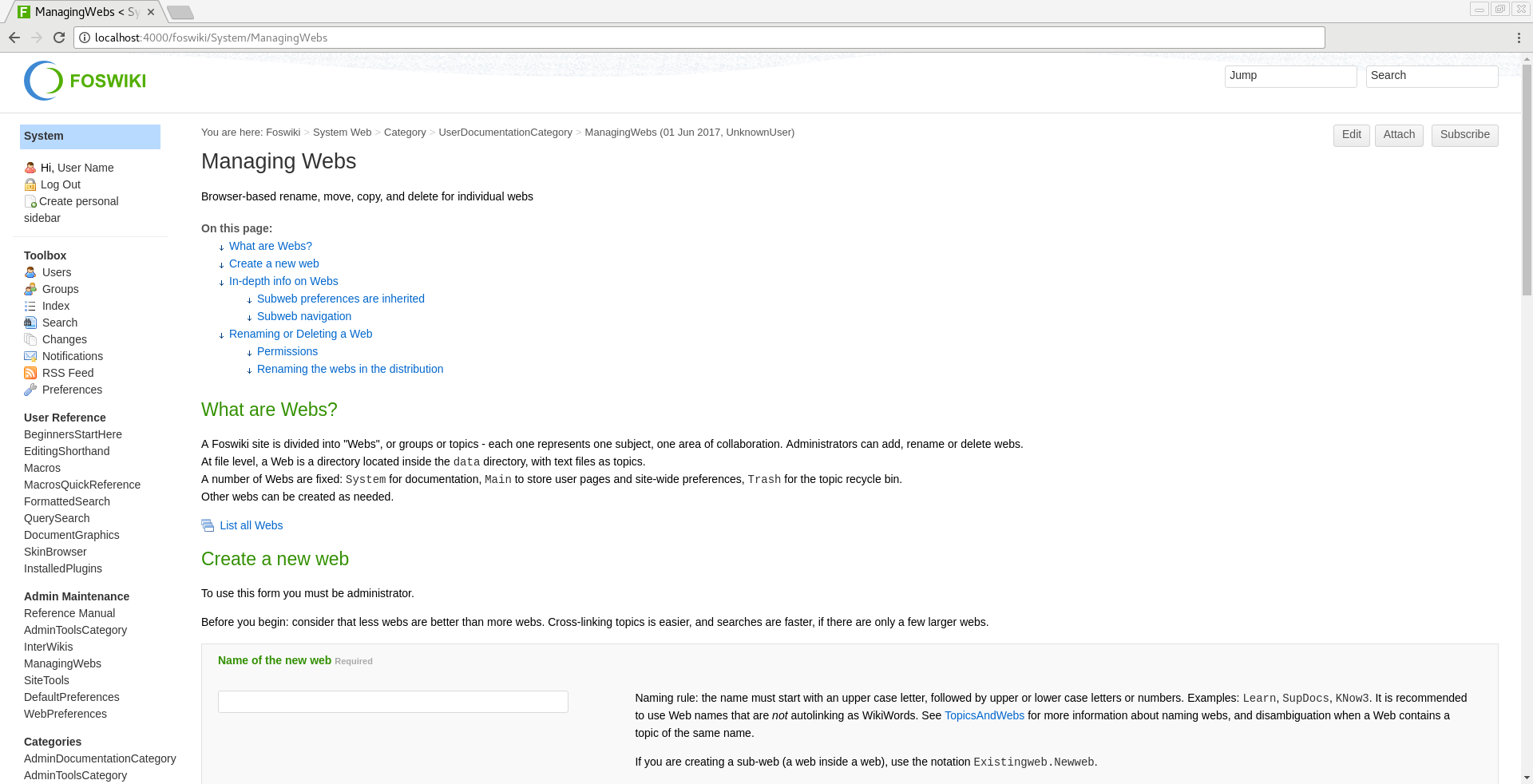
- Go to
Tag summary
Content type
Image
Digest
Size
159.1 MB
Last updated
about 8 years ago
docker pull andreysmelter/ubuntu-foswiki