csalab/csaf
Cyber Security Awareness Framework
6.2K
csalab/csaf repository overview



The Cyber Security Awareness Framework (CSAF) is a structured approach aimed at enhancing cybersecurity awareness and understanding among individuals, organizations, and communities. It provides guidance for the development of effective cybersecurity awareness programs, covering key areas such as assessing awareness needs, creating educational materials, conducting training and simulations, implementing communication campaigns, and measuring awareness levels. By adopting this framework, organizations can foster a robust security culture, enhance their ability to detect and respond to cyber threats, and mitigate the risks associated with attacks and security breaches.
Requirements
Software
- Docker
- Docker compose plugin
Hardware
Minimum
- 4 Core CPU
- 10GB RAM
- 60GB Disk free
Recommendation
- 8 Core CPU or above
- 16GB RAM or above
- 100GB Disk free or above
Installation
Clone the repository
git clone https://github.com/csalab-id/csaf.git
Navigate to the project directory
cd csaf
Pull the Docker images
docker compose --profile=all pull
Generate wazuh ssl certificate
docker compose -f generate-certs.yml run --rm generator
For security reason you should set env like this first
export ATTACK_PASS=ChangeMePlease
export DEFENSE_PASS=ChangeMePlease
export MONITOR_PASS=ChangeMePlease
export SPLUNK_PASS=ChangeMePlease
export GOPHISH_PASS=ChangeMePlease
export MAIL_PASS=ChangeMePlease
Start all the containers
docker compose --profile=all up -d
You can run specific profiles for running specific labs with the following profiles
- all
- attackdefenselab
- phisinglab
- breachlab
- soclab
For example
docker compose --profile=attackdefenselab up -d
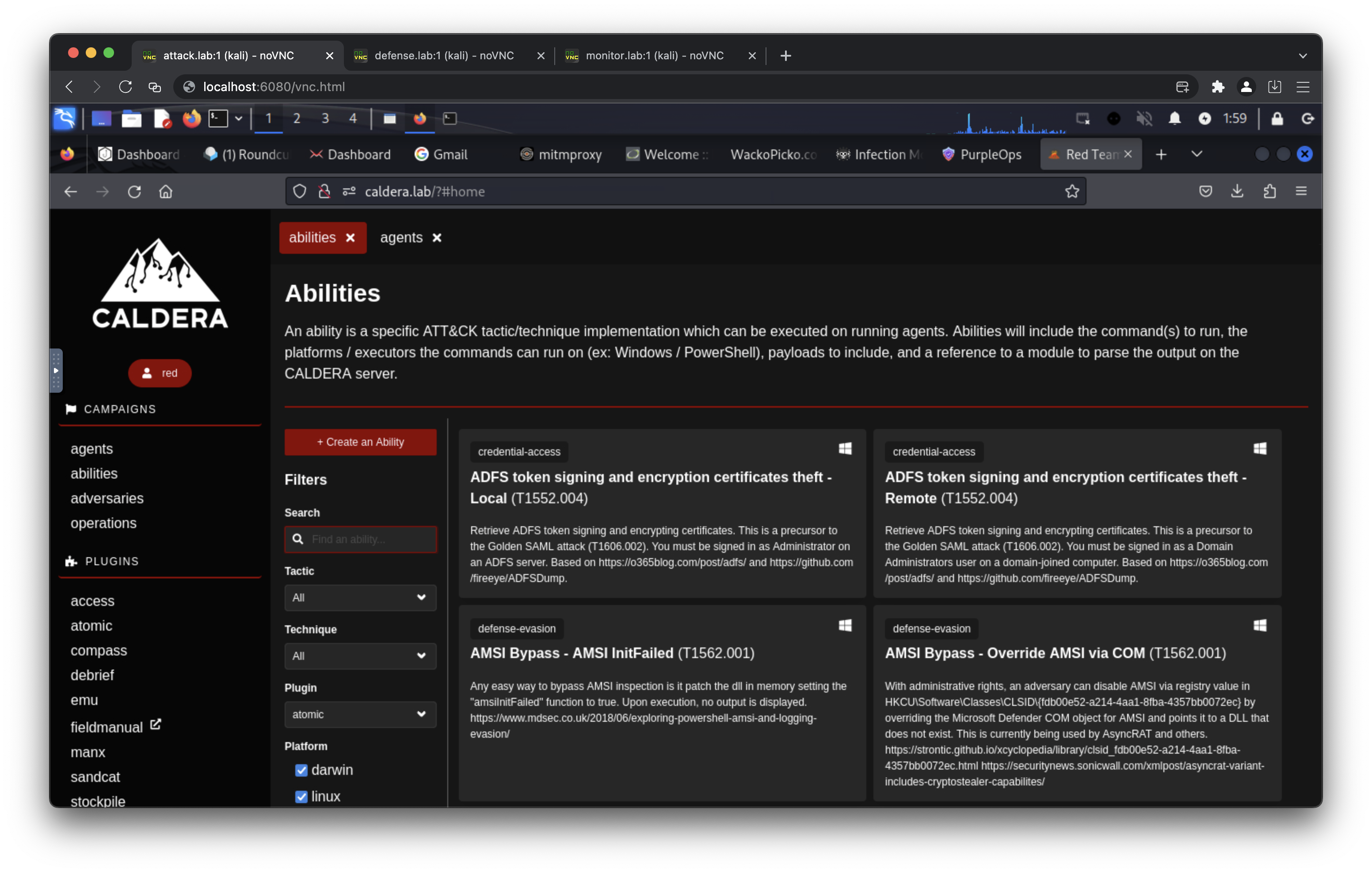
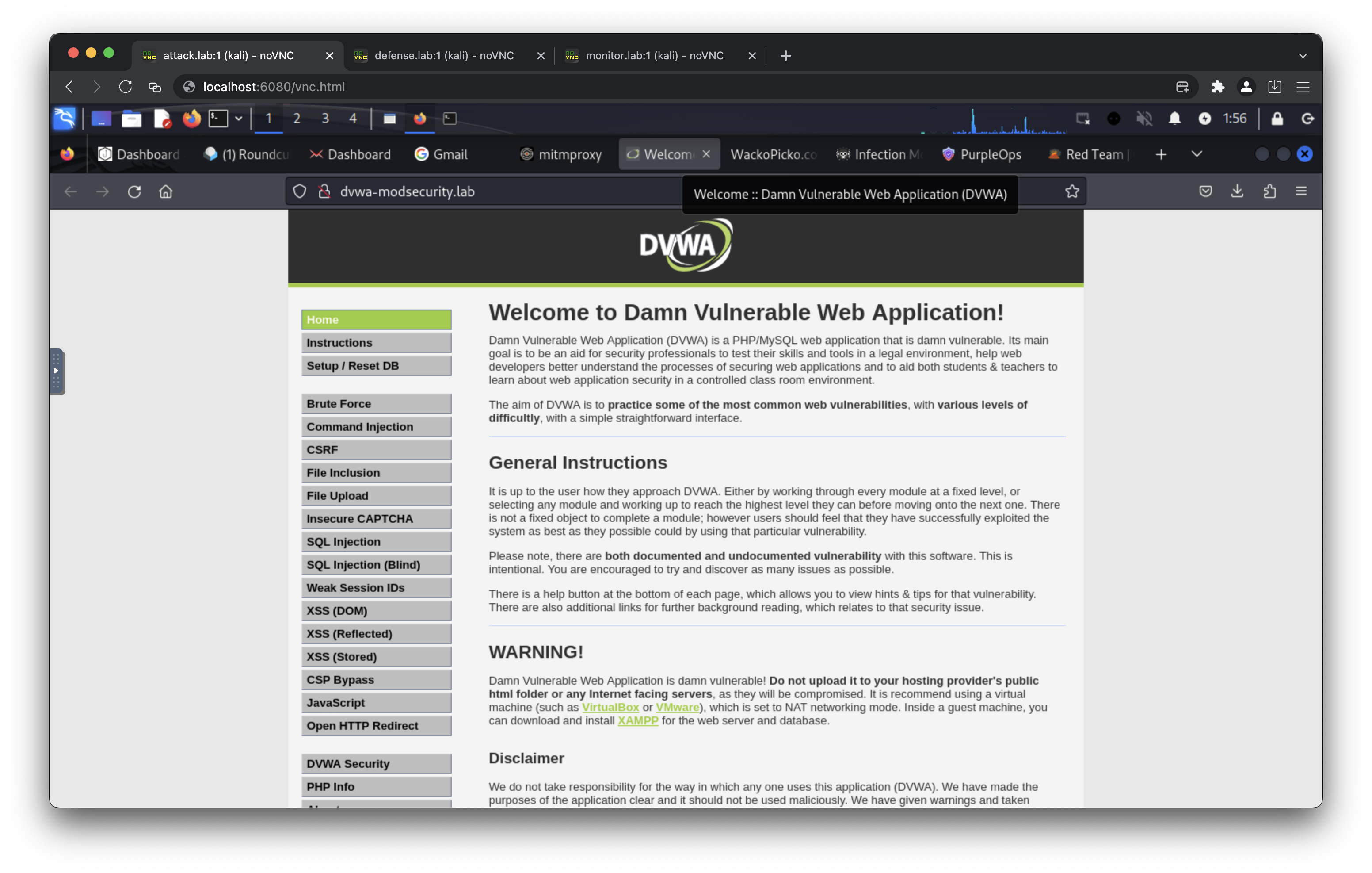
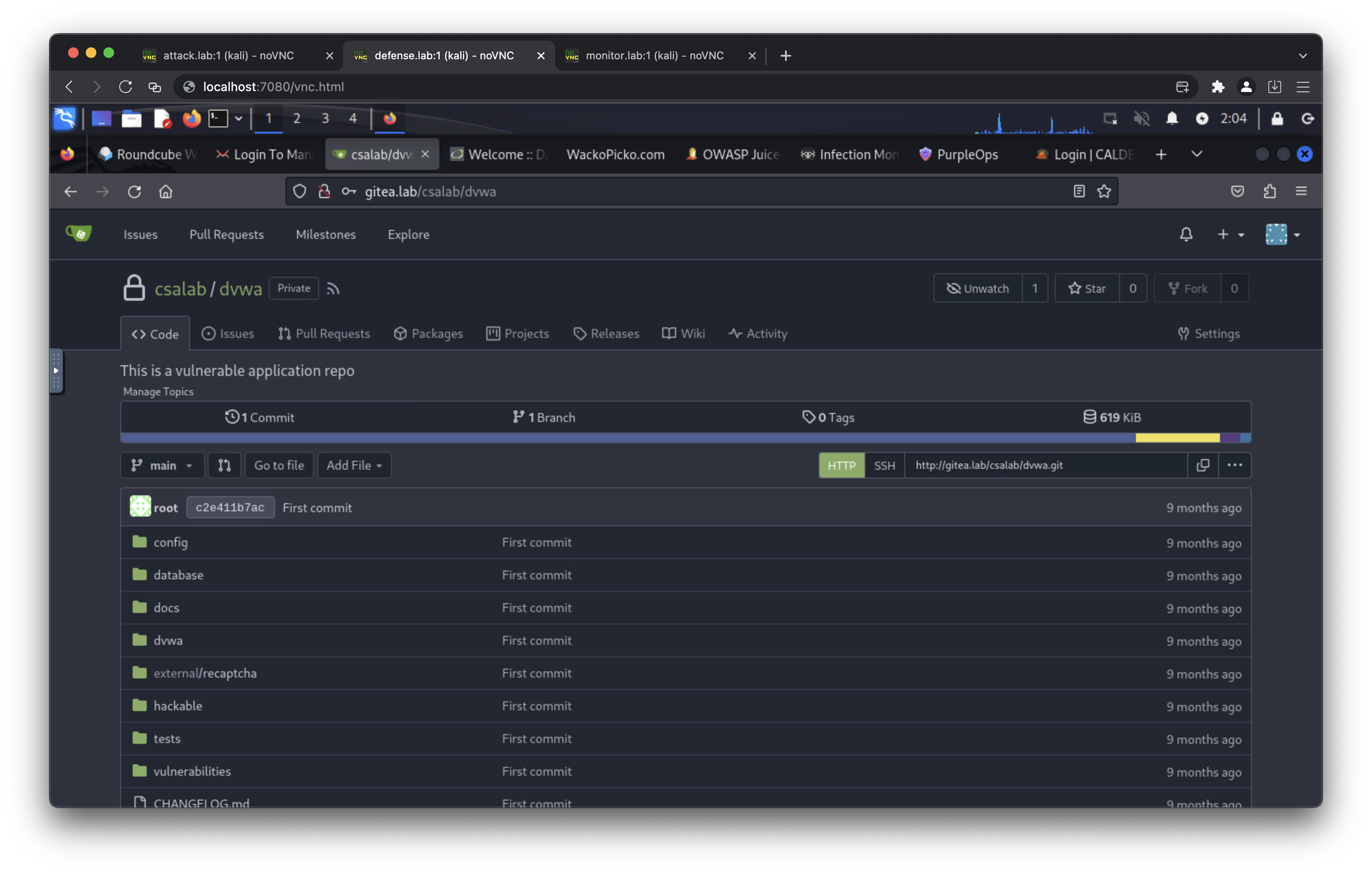
Proof
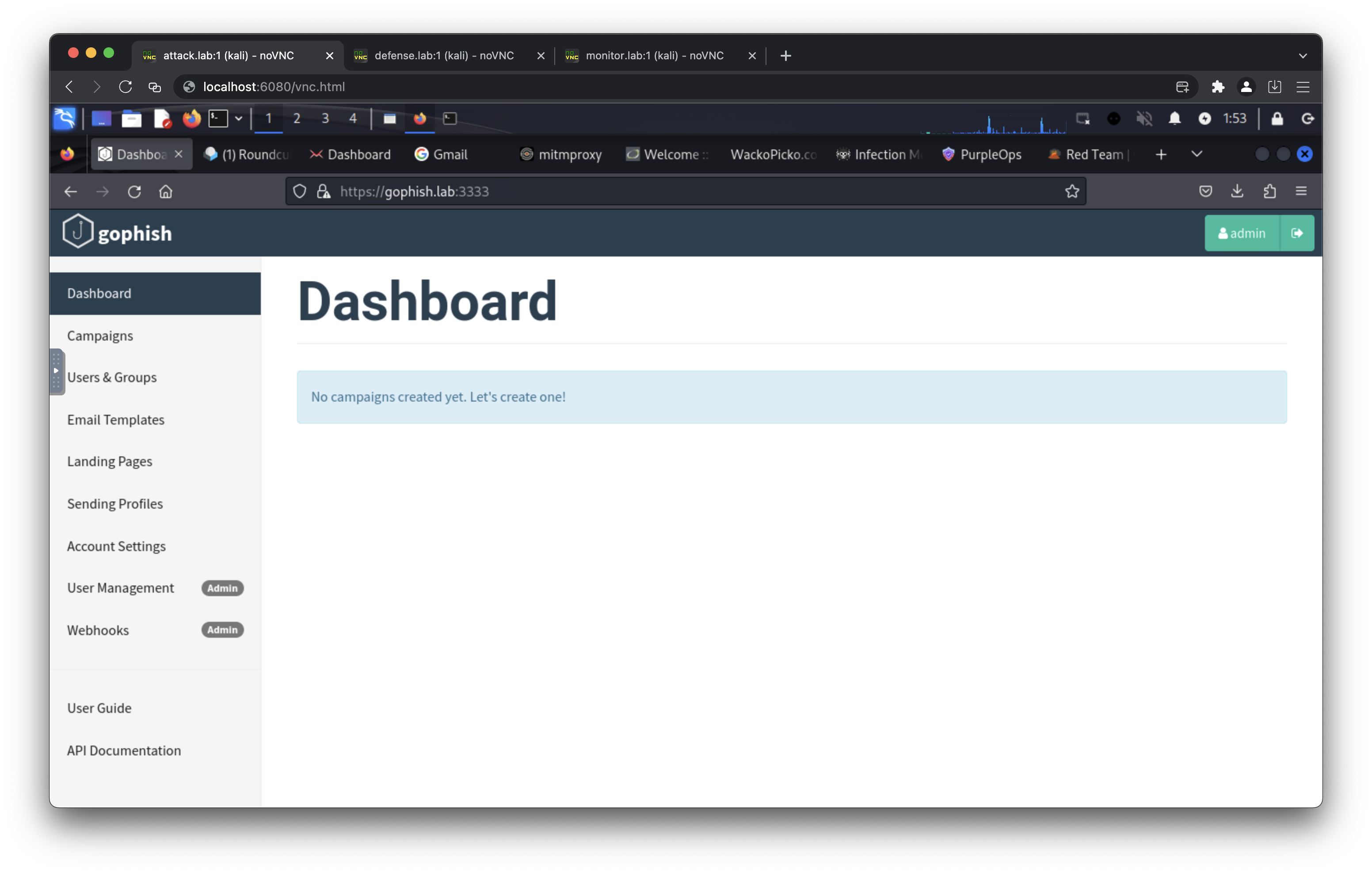
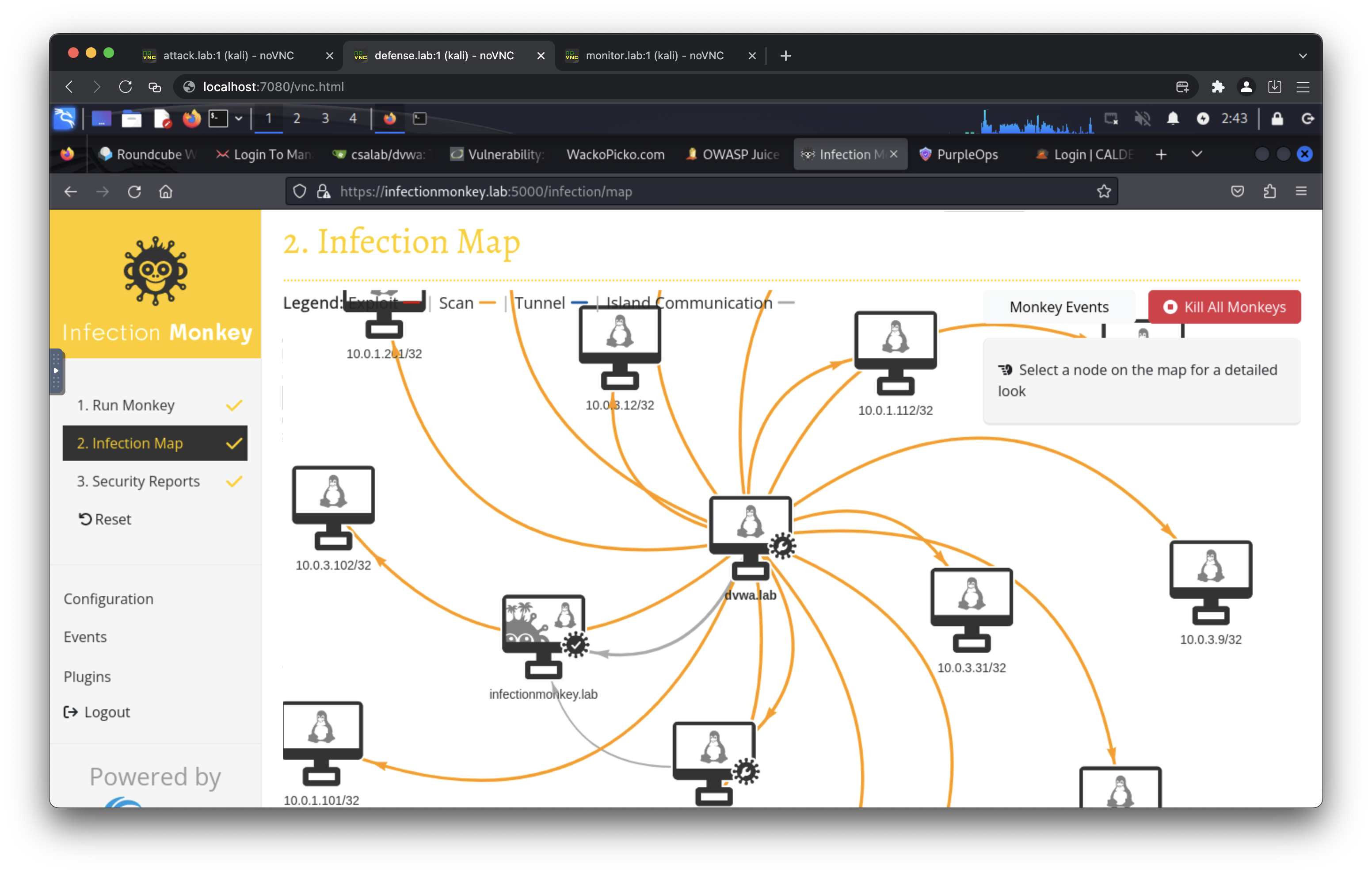
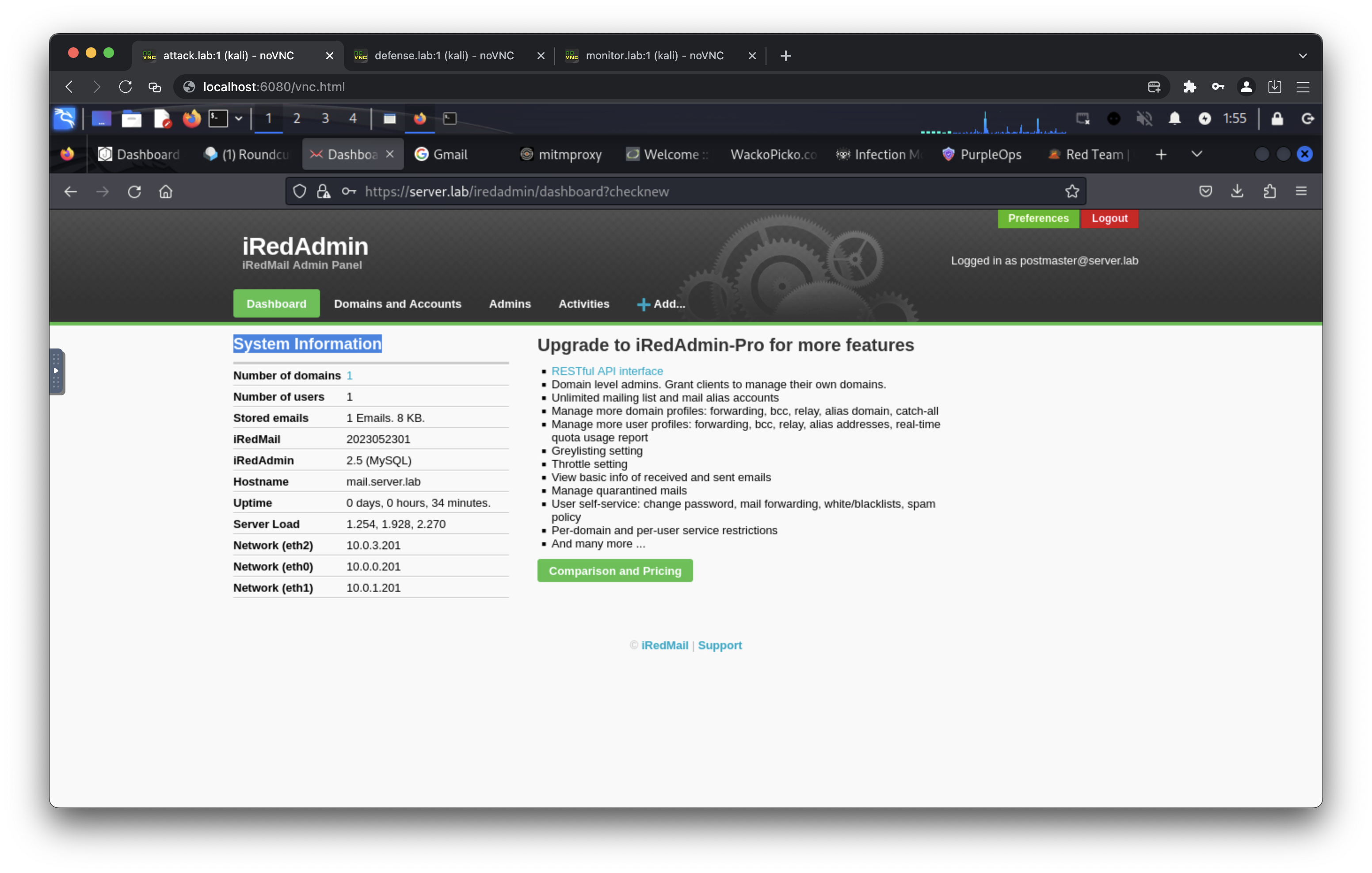
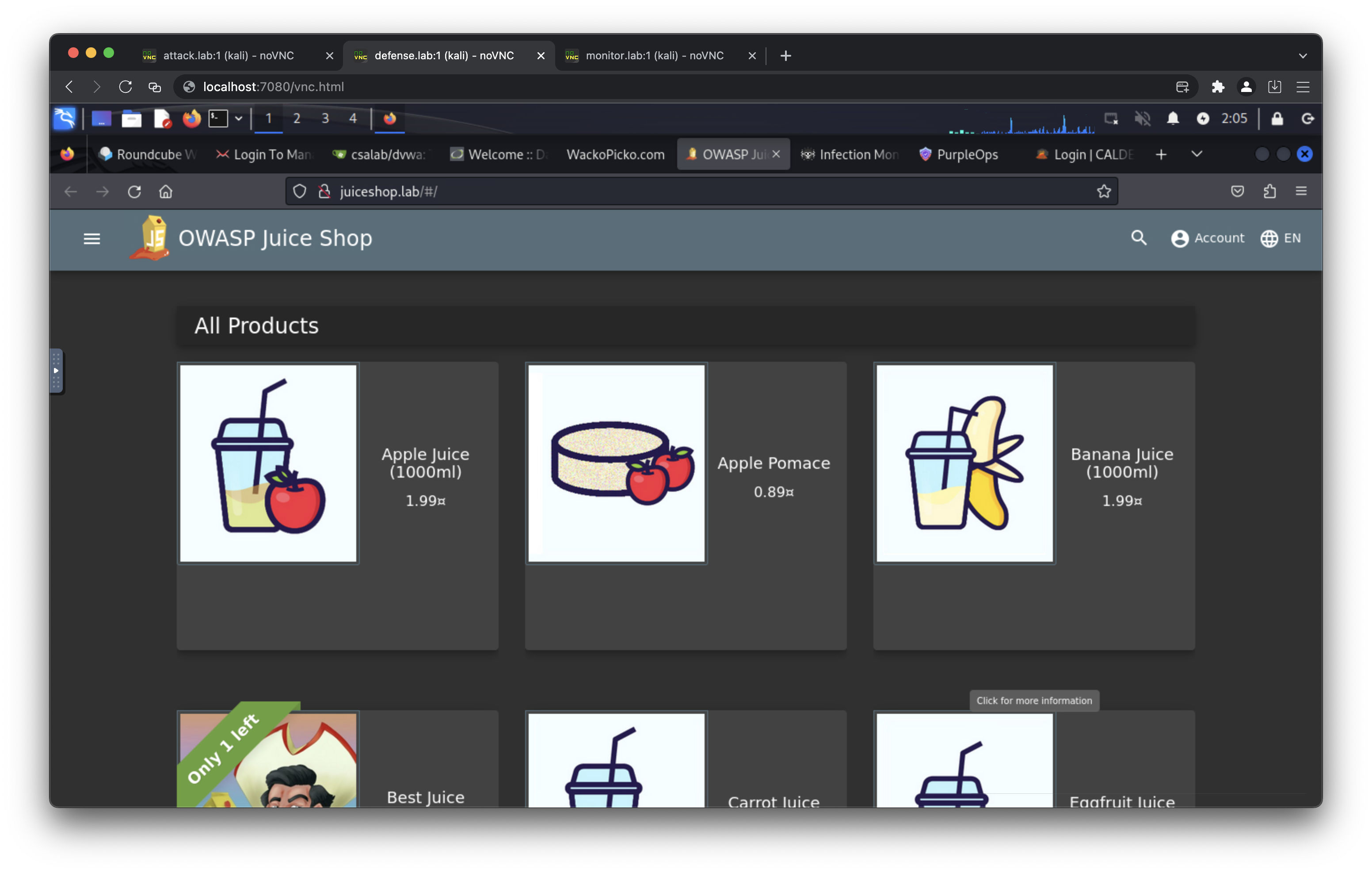
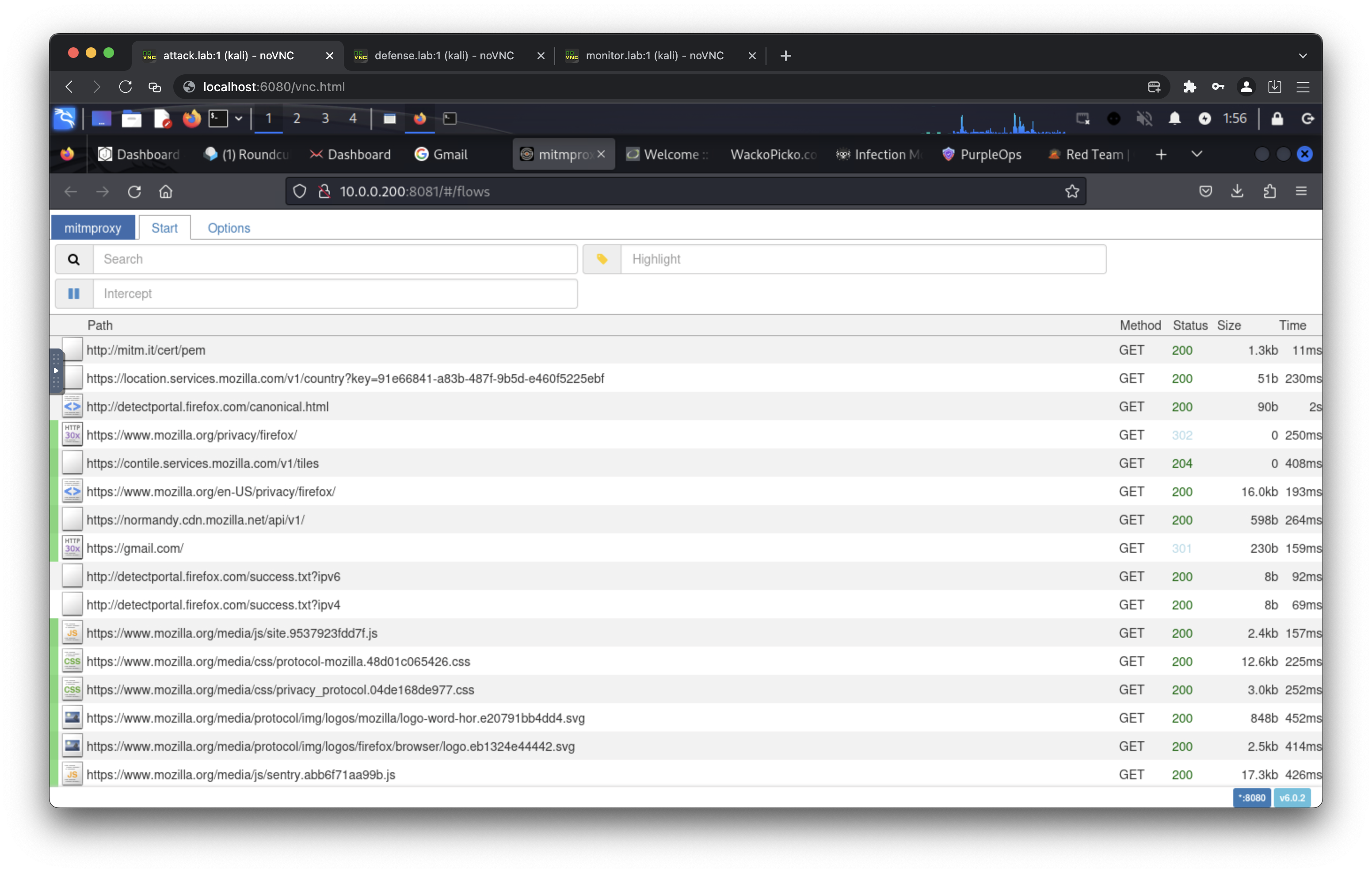
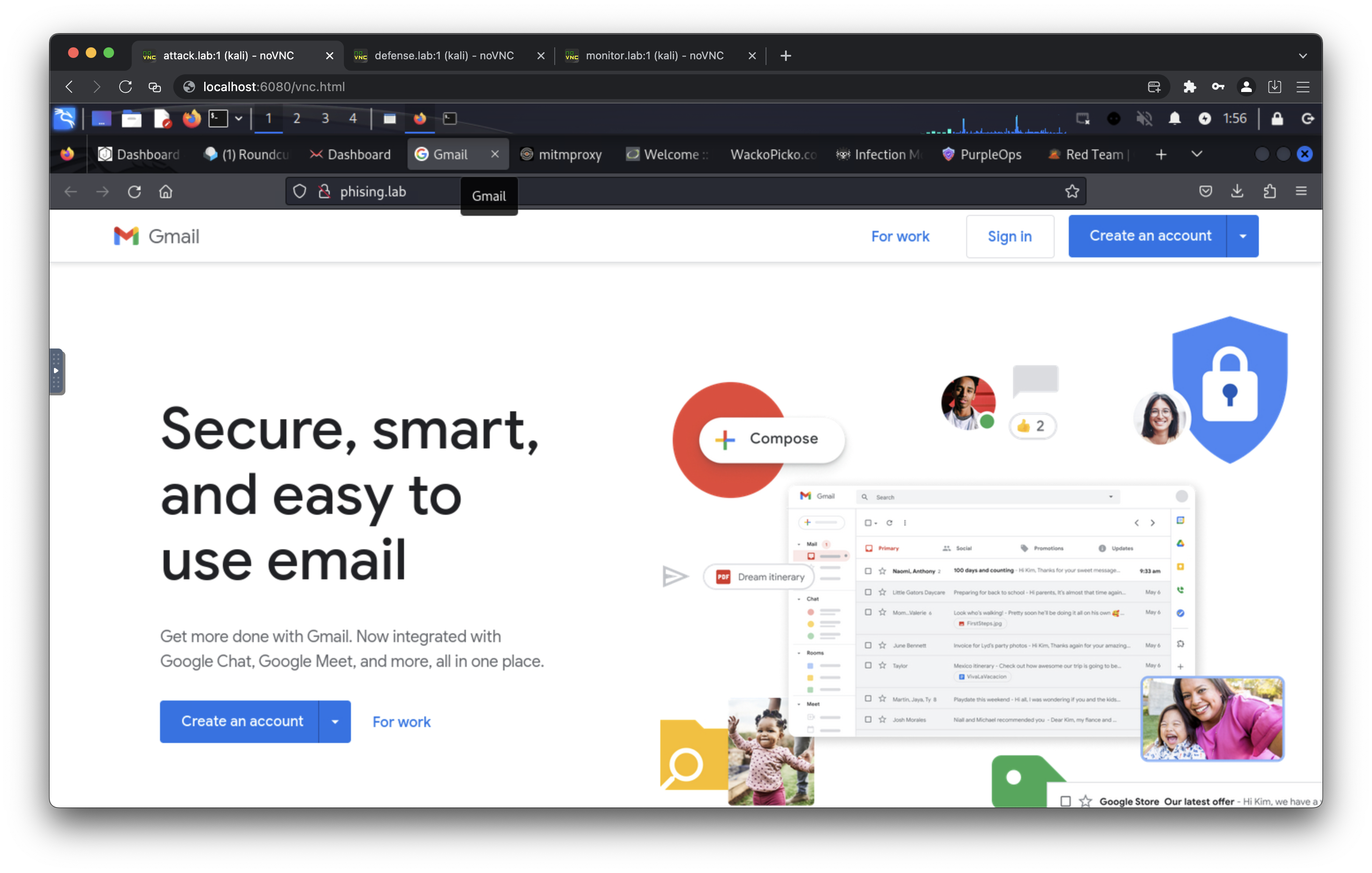
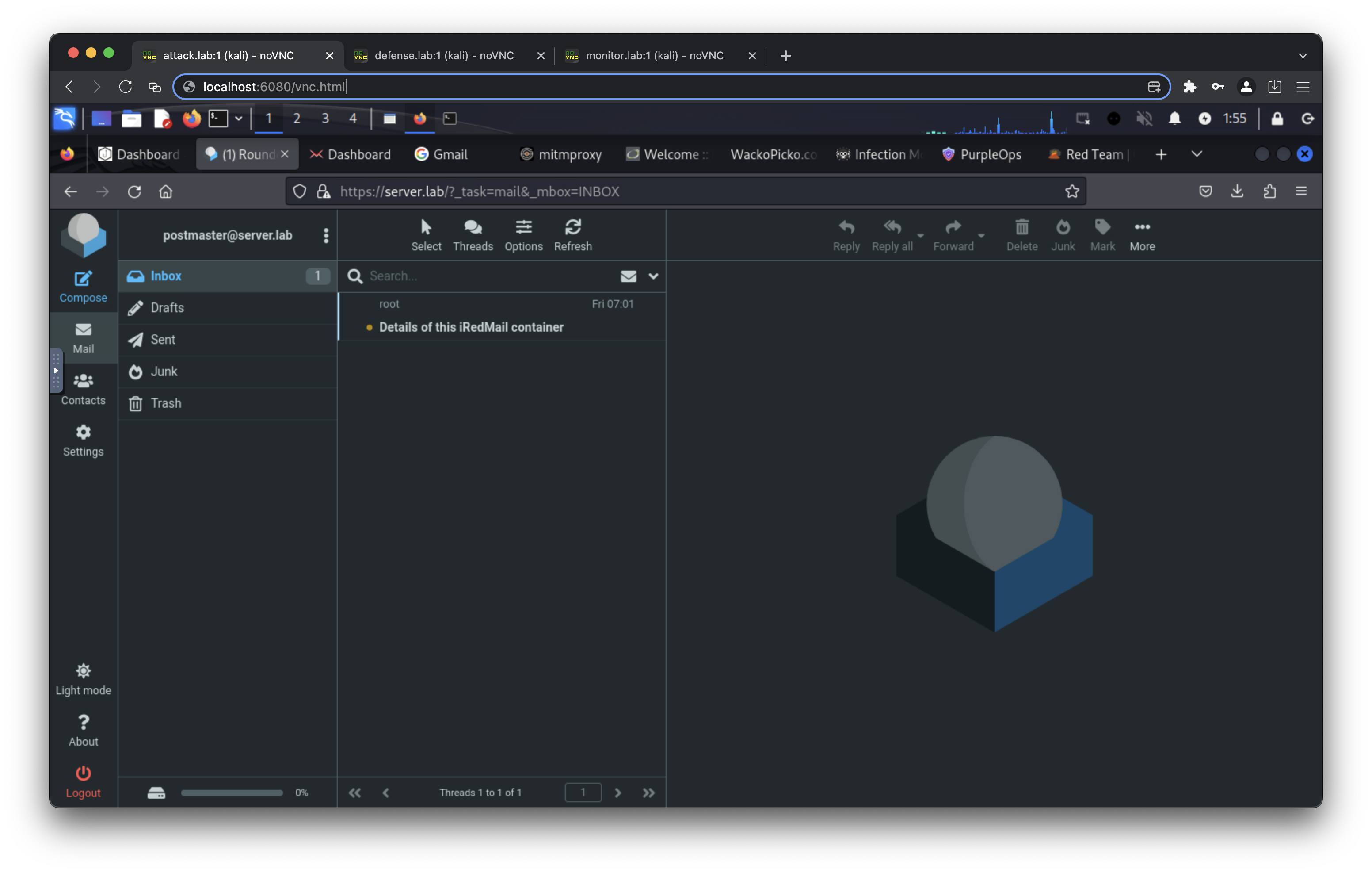
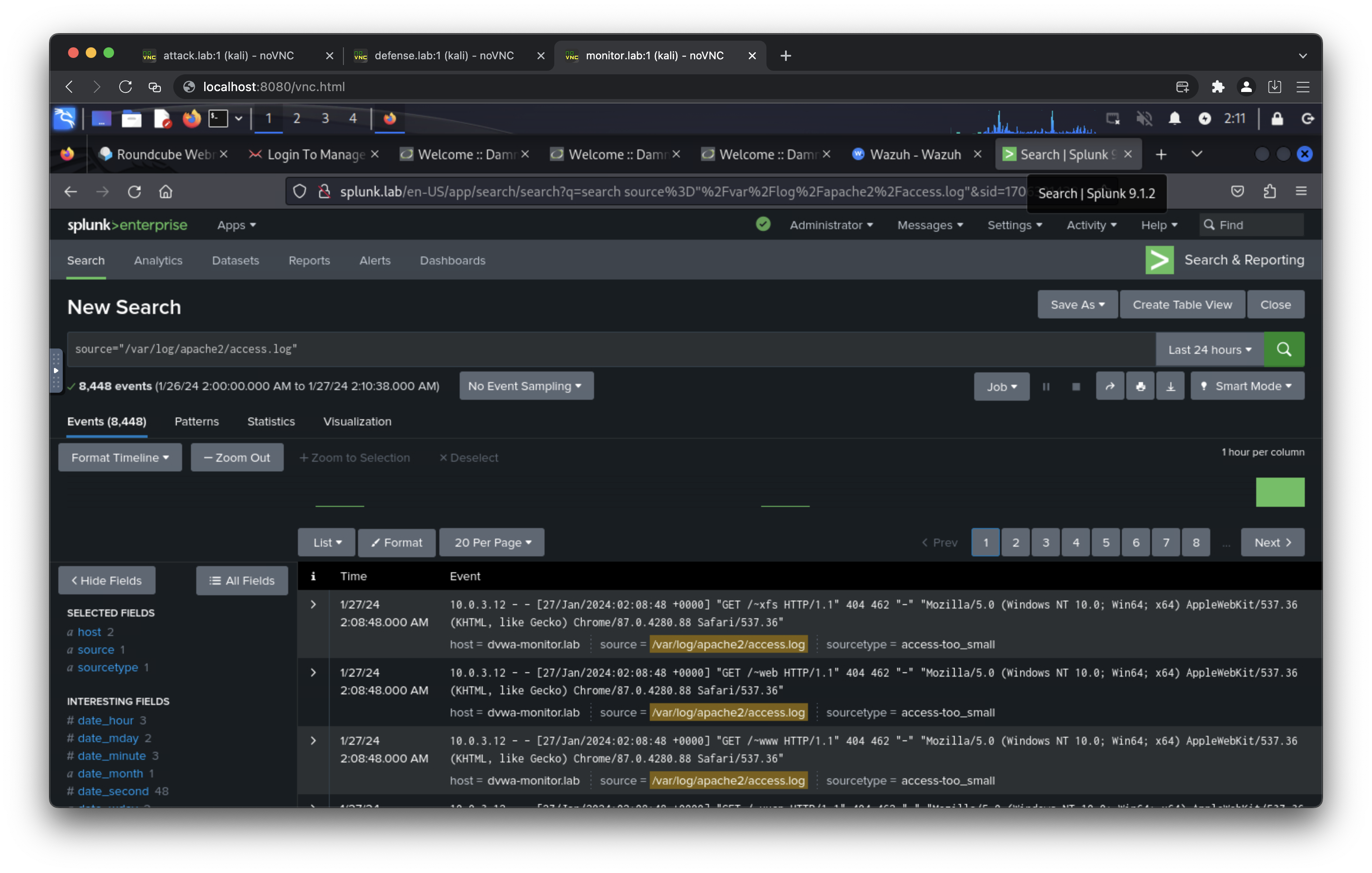
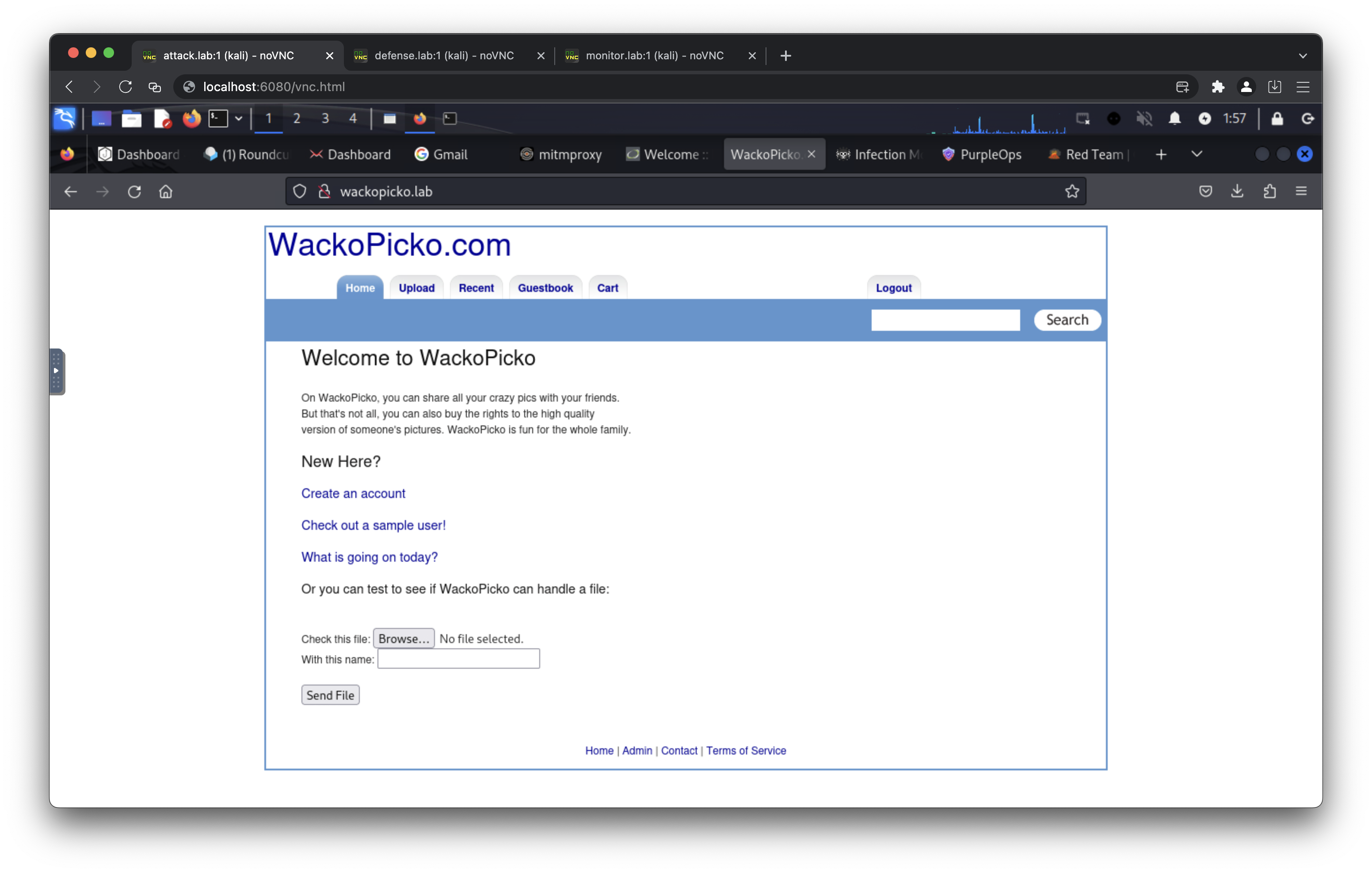
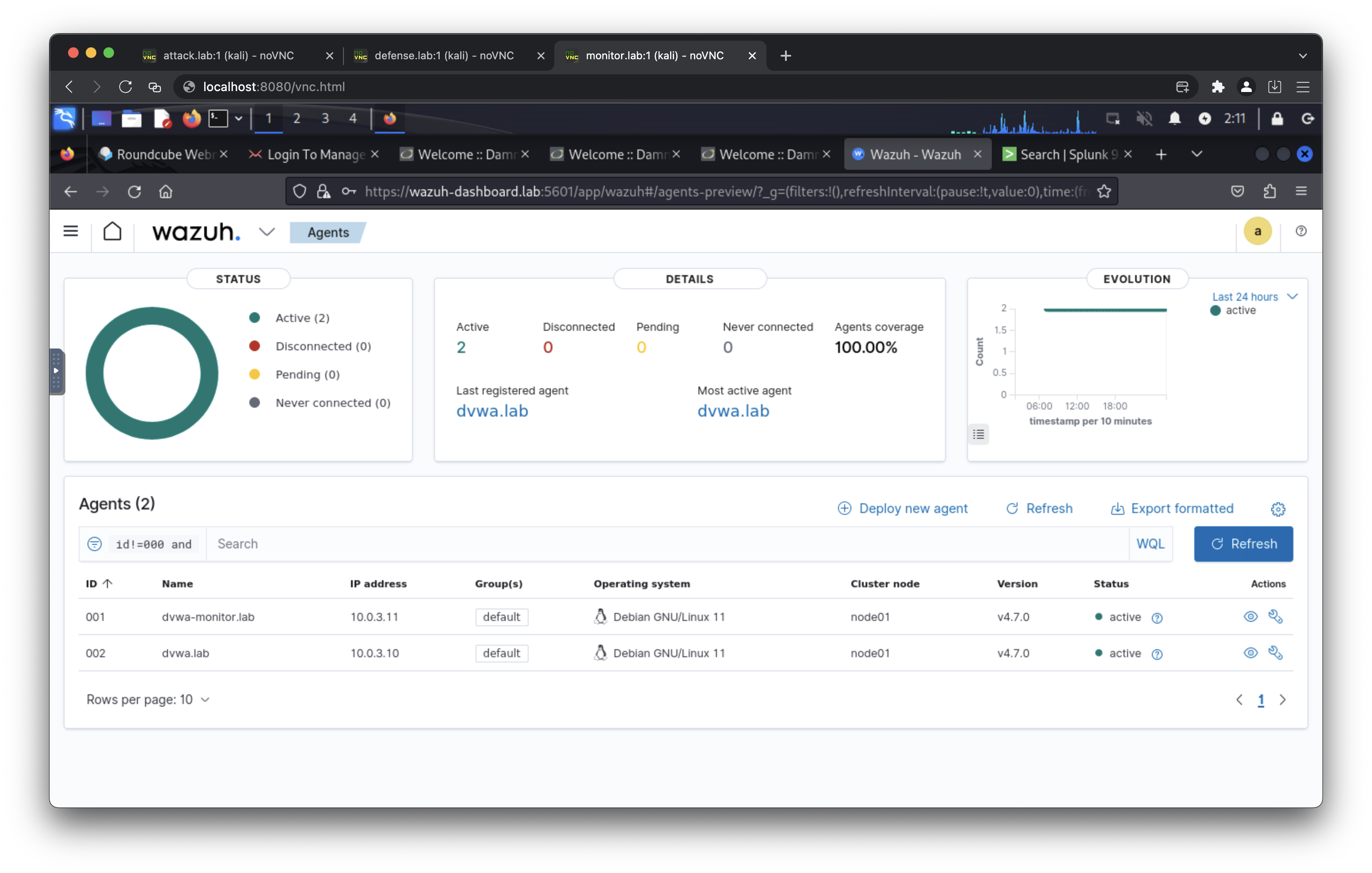
Exposed Ports
An exposed port can be accessed using a proxy socks5 client, SSH client, or HTTP client. Choose one for the best experience.
- Port 6080 (Access to attack network)
- Port 7080 (Access to defense network)
- Port 8080 (Access to monitor network)
Example usage
Access internal network with proxy socks5
- curl --proxy socks5://ipaddress:6080 http://10.0.0.100/vnc.html
- curl --proxy socks5://ipaddress:7080 http://10.0.1.101/vnc.html
- curl --proxy socks5://ipaddress:8080 http://10.0.3.102/vnc.html
Remote ssh with ssh client
- ssh kali@ipaddress -p 6080 (default password: attackpassword)
- ssh kali@ipaddress -p 7080 (default password: defensepassword)
- ssh kali@ipaddress -p 8080 (default password: monitorpassword)
Access kali linux desktop with curl / browser
- curl http://ipaddress:6080/vnc.html
- curl http://ipaddress:7080/vnc.html
- curl http://ipaddress:8080/vnc.html
Domain Access
- http://attack.lab/vnc.html (default password: attackpassword)
- http://defense.lab/vnc.html (default password: defensepassword)
- http://monitor.lab/vnc.html (default password: monitorpassword)
- https://gophish.lab:3333/ (default username: admin, default password: gophishpassword)
- https://server.lab/ (default username: [email protected], default passowrd: mailpassword)
- https://server.lab/iredadmin/ (default username: [email protected], default passowrd: mailpassword)
- https://mail.server.lab/ (default username: [email protected], default passowrd: mailpassword)
- https://mail.server.lab/iredadmin/ (default username: [email protected], default passowrd: mailpassword)
- http://phising.lab/
- http://10.0.0.200:8081/
- http://gitea.lab/ (default username: csalab, default password: giteapassword)
- http://dvwa.lab/ (default username: admin, default passowrd: password)
- http://dvwa-monitor.lab/ (default username: admin, default passowrd: password)
- http://dvwa-modsecurity.lab:8000/ (default username: admin, default passowrd: password)
- http://wackopicko.lab/
- http://juiceshop.lab/
- https://wazuh-indexer.lab:9200/ (default username: admin, default passowrd: SecretPassword)
- https://wazuh-manager.lab/
- https://wazuh-dashboard.lab:5601/ (default username: admin, default passowrd: SecretPassword)
- http://splunk.lab/ (default username: admin, default password: splunkpassword)
- https://infectionmonkey.lab:5000/
- http://caldera.lab/ (default username: red/blue, default password: calderapassword)
Network / IP Address
Attack
- 10.0.0.100 attack.lab
- 10.0.0.200 phising.lab
- 10.0.0.201 server.lab
- 10.0.0.201 mail.server.lab
- 10.0.0.202 gophish.lab
- 10.0.0.110 infectionmonkey.lab
- 10.0.0.111 mongodb.lab
- 10.0.0.113 caldera.lab
Defense
- 10.0.1.101 defense.lab
- 10.0.1.10 dvwa.lab
- 10.0.1.13 wackopicko.lab
- 10.0.1.14 juiceshop.lab
- 10.0.1.20 gitea.lab
- 10.0.1.110 infectionmonkey.lab
- 10.0.1.113 caldera.lab
Monitor
- 10.0.3.201 server.lab
- 10.0.3.201 mail.server.lab
- 10.0.3.9 mariadb.lab
- 10.0.3.10 dvwa.lab
- 10.0.3.11 dvwa-monitor.lab
- 10.0.3.12 dvwa-modsecurity.lab
- 10.0.3.102 monitor.lab
- 10.0.3.30 wazuh-manager.lab
- 10.0.3.31 wazuh-indexer.lab
- 10.0.3.32 wazuh-dashboard.lab
- 10.0.3.40 splunk.lab
Public
- 10.0.2.101 defense.lab
- 10.0.2.13 wackopicko.lab
Internet
- 10.0.4.102 monitor.lab
- 10.0.4.30 wazuh-manager.lab
- 10.0.4.32 wazuh-dashboard.lab
- 10.0.4.40 splunk.lab
Internal
- 10.0.5.100 attack.lab
- 10.0.5.12 dvwa-modsecurity.lab
- 10.0.5.13 wackopicko.lab
License
This Docker Compose application is released under the MIT License. See the LICENSE file for details.
Tag summary
Content type
Image
Digest
sha256:039dcf2bd…
Size
1.2 GB
Last updated
4 months ago
docker pull csalab/csaf:kalilinux