soulteary/cronicle
Simple and lightweight Cronicle Docker solution.
100K+
soulteary/cronicle repository overview
Docker Cronicle

Simple and lightweight Cronicle Docker solution.
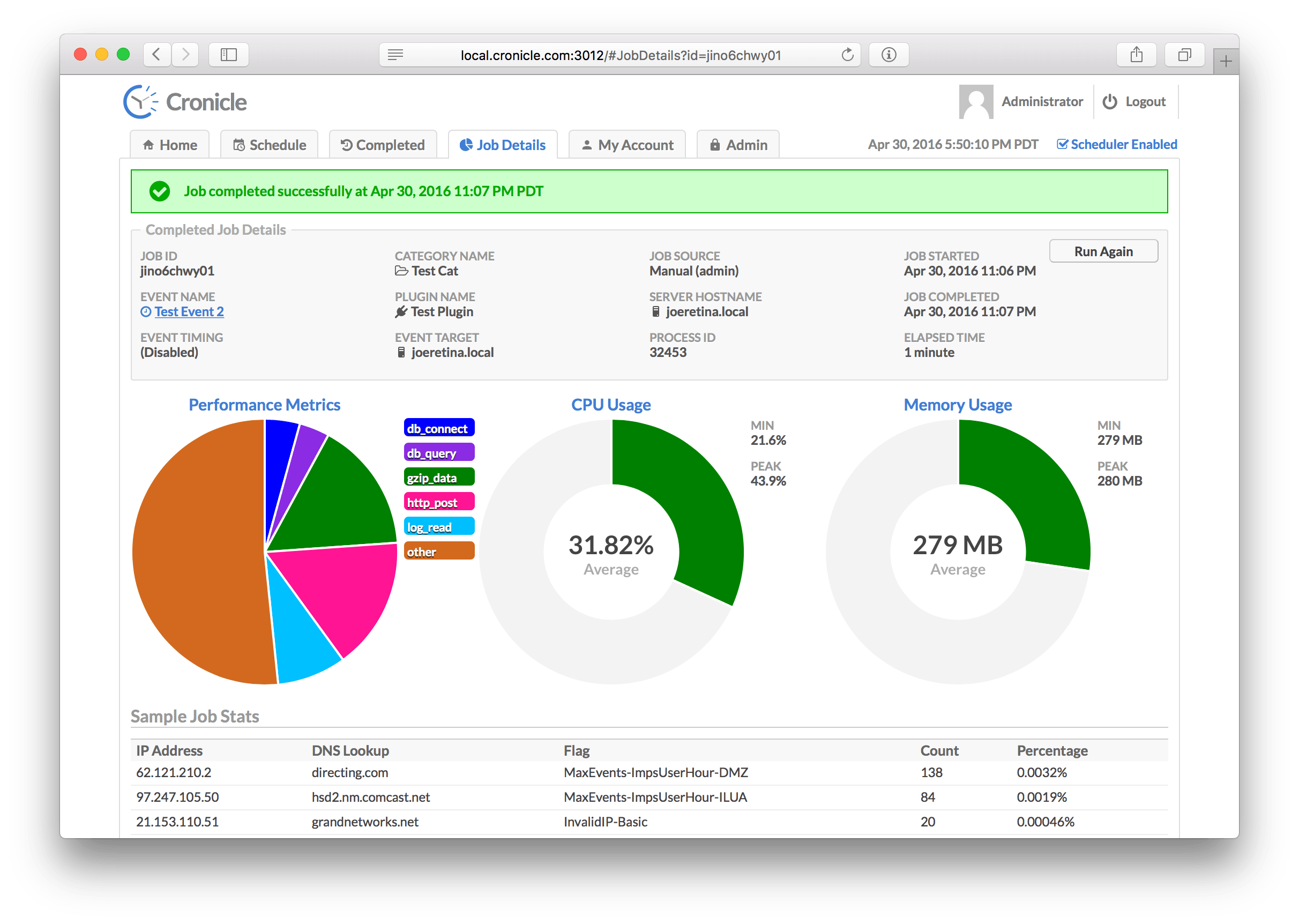
Say goodbye to troublesome configuration and installation, and start your Scheduled Task Center with One-Click.
Get Latest Docker Images
# use the latest version
docker pull soulteary/cronicle
# or specified version
docker pull soulteary/cronicle:0.9.16
Supported Versions
DockerHub: https://hub.docker.com/r/soulteary/cronicle
Default Account
default account and password:
- username:
admin - password:
admin
Docker
It is very simple to use, only one command is needed:
you can start a container that persists data and log files locally through Docker.
docker run \
        -v /etc/localtime:/etc/localtime:ro \
        -v /etc/timezone:/etc/timezone:ro \
        -v `pwd`/data/data:/opt/cronicle/data:rw \
        -v `pwd`/data/logs:/opt/cronicle/logs:rw \
        -v `pwd`/data/plugins:/opt/cronicle/plugins:rw \
        -p 3012:3012 \
        --hostname cronicle \
        --name cronicle \
        soulteary/cronicle
When the service is started, we can access the service in the browser: http://localhost:3012
Docker Compose
Using compose to start our service also requires only one command:
docker-compose down && docker-compose up -d
When the service is started, we can access the service in the browser: http://localhost:3012
With Traefik
You can refer to the configuration in docker-compose.traefik.yml file.
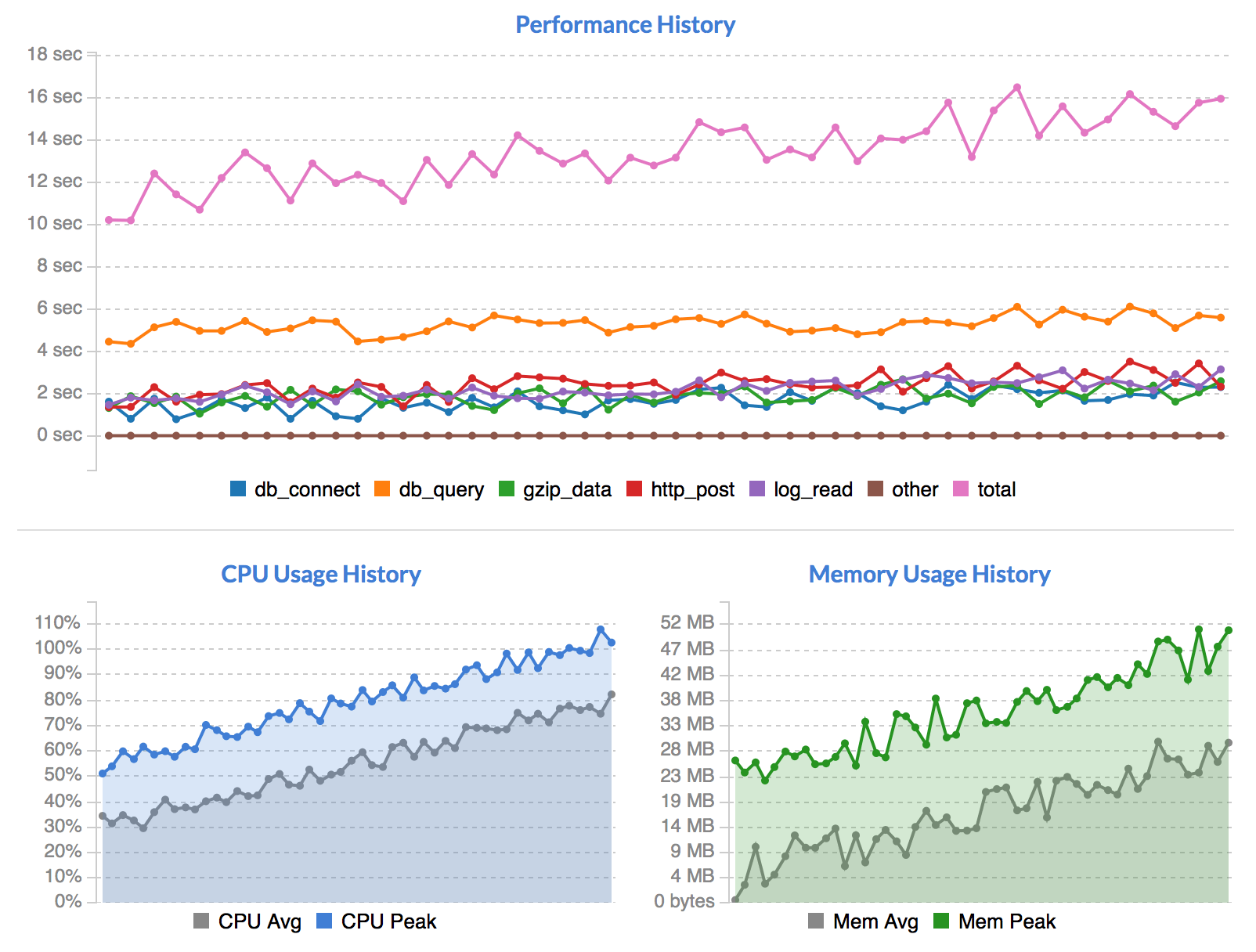
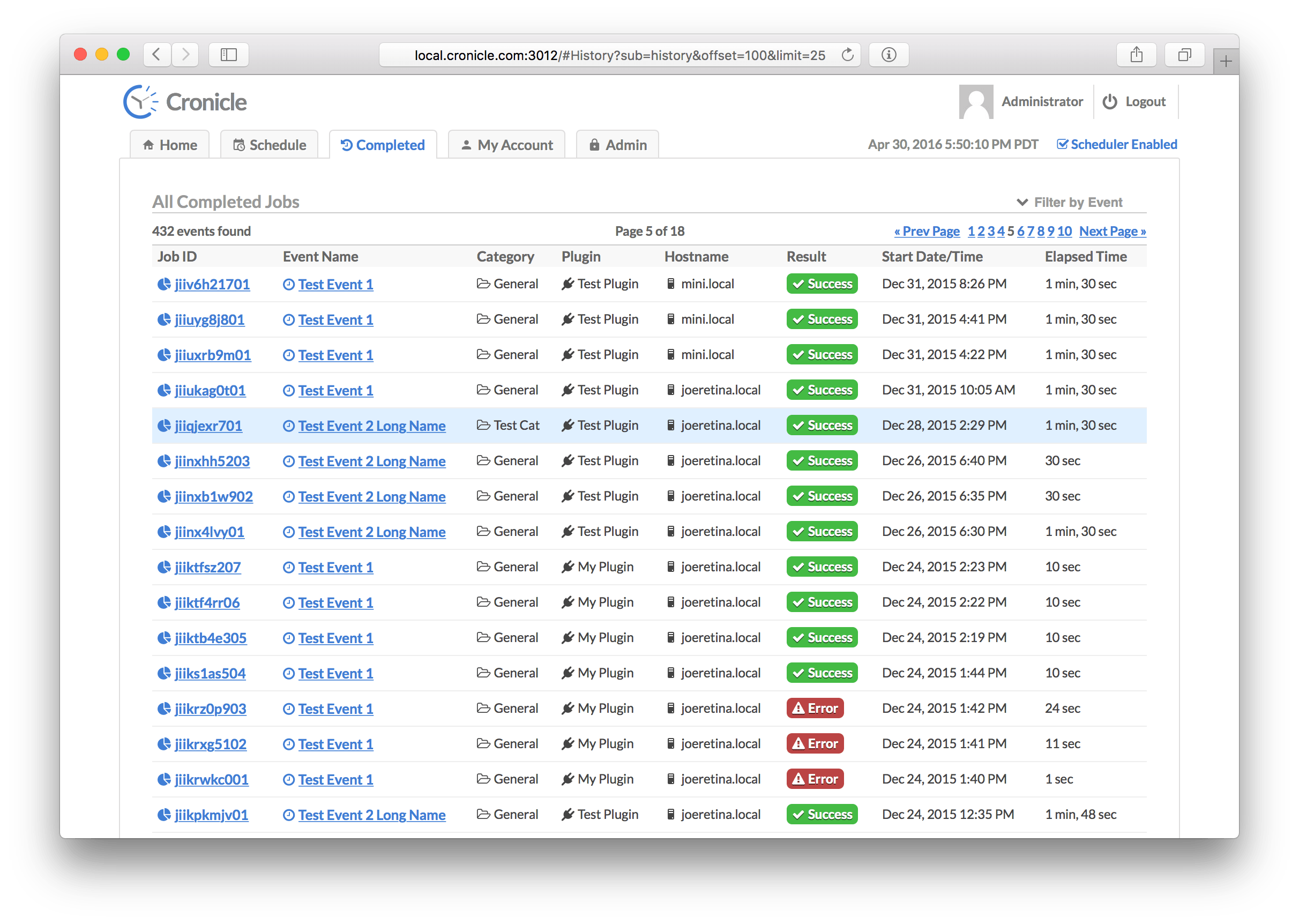
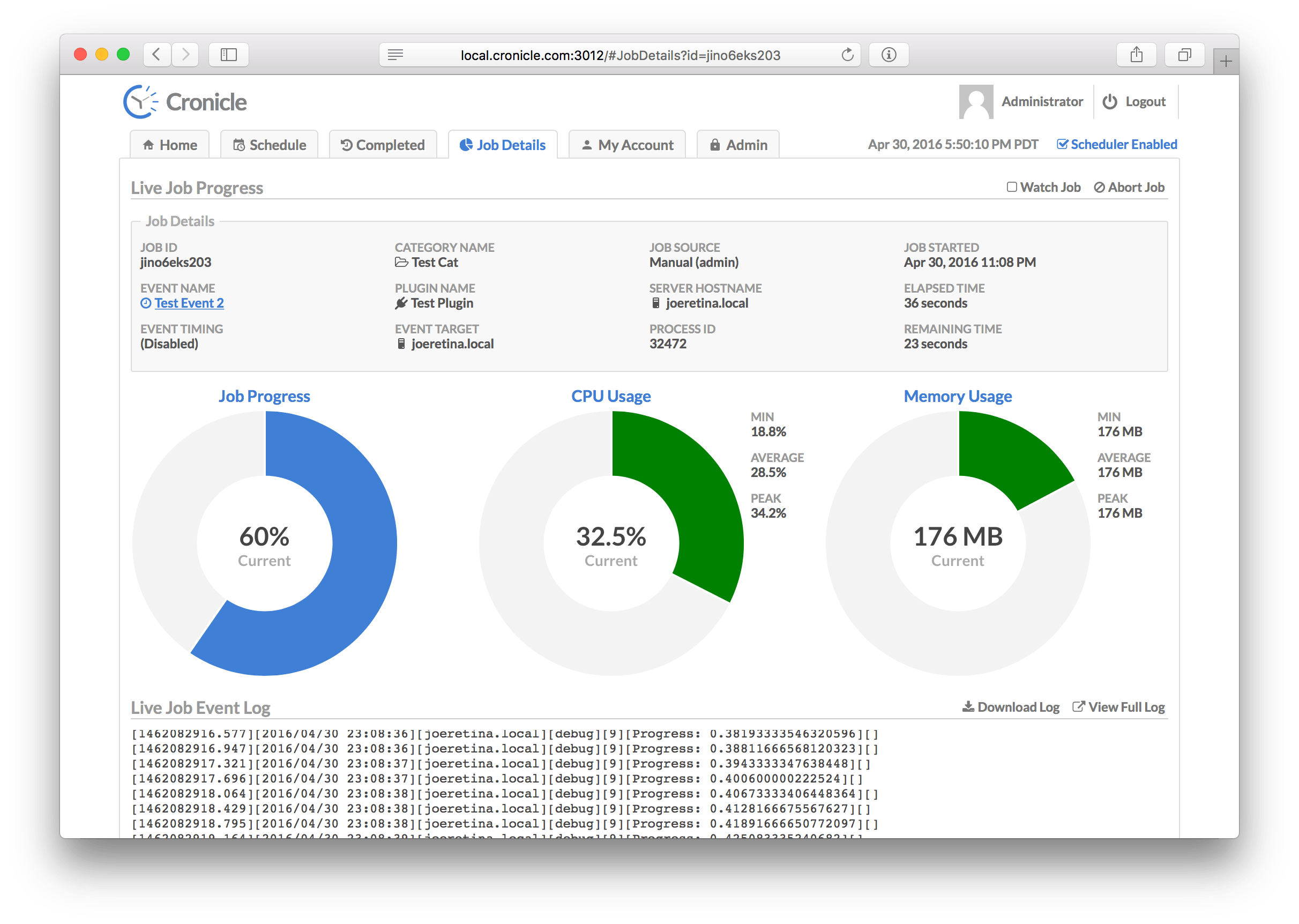
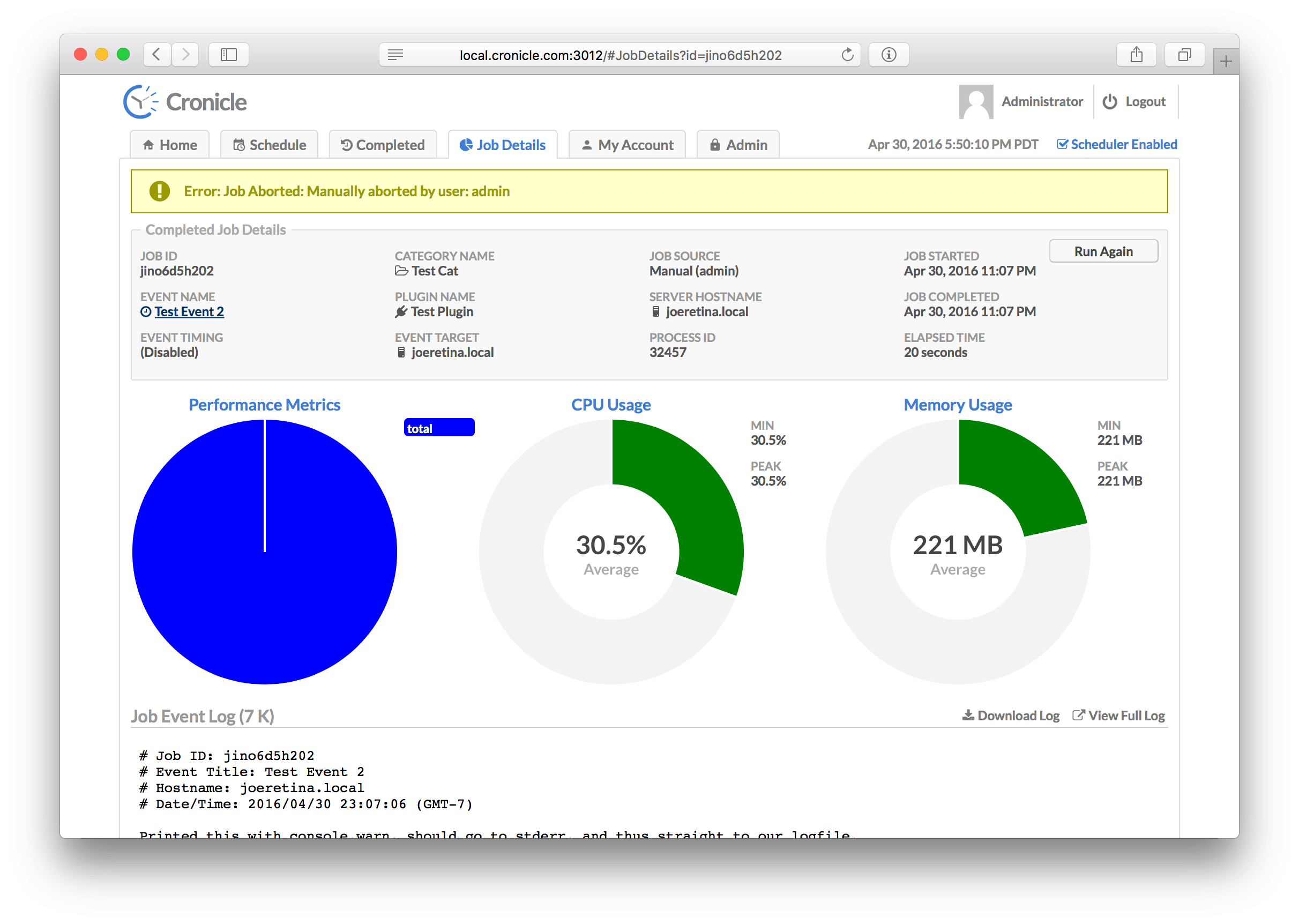
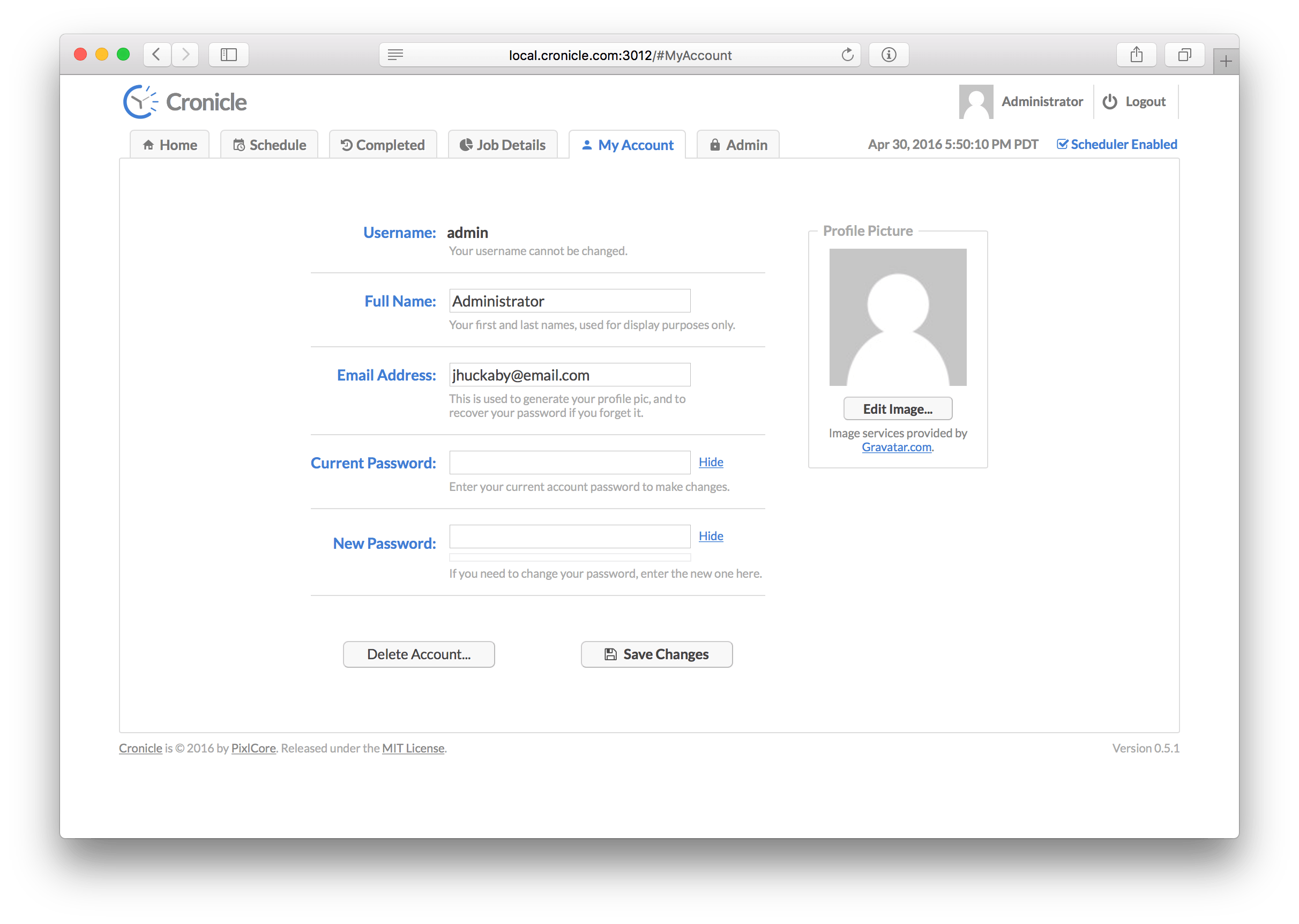
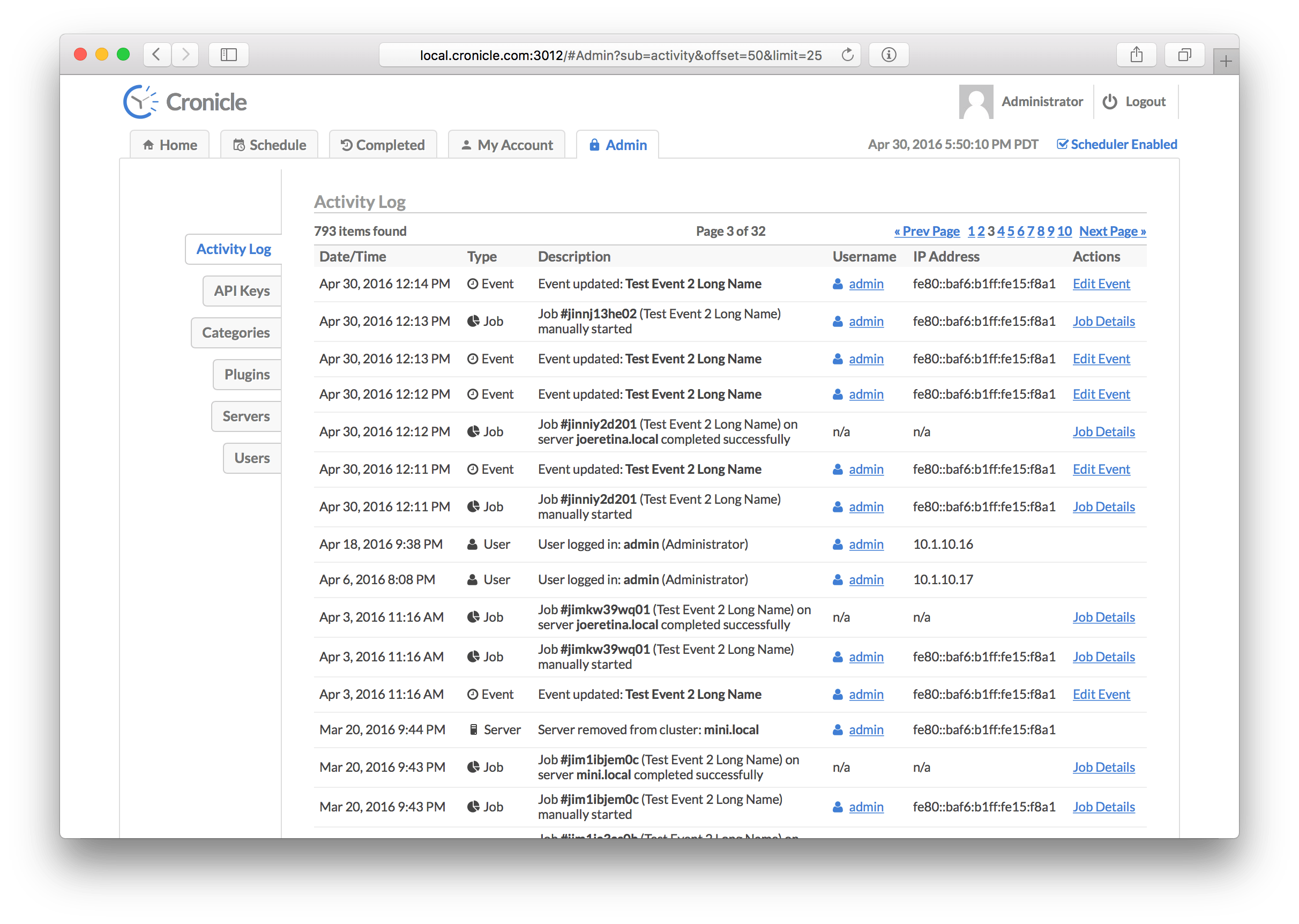
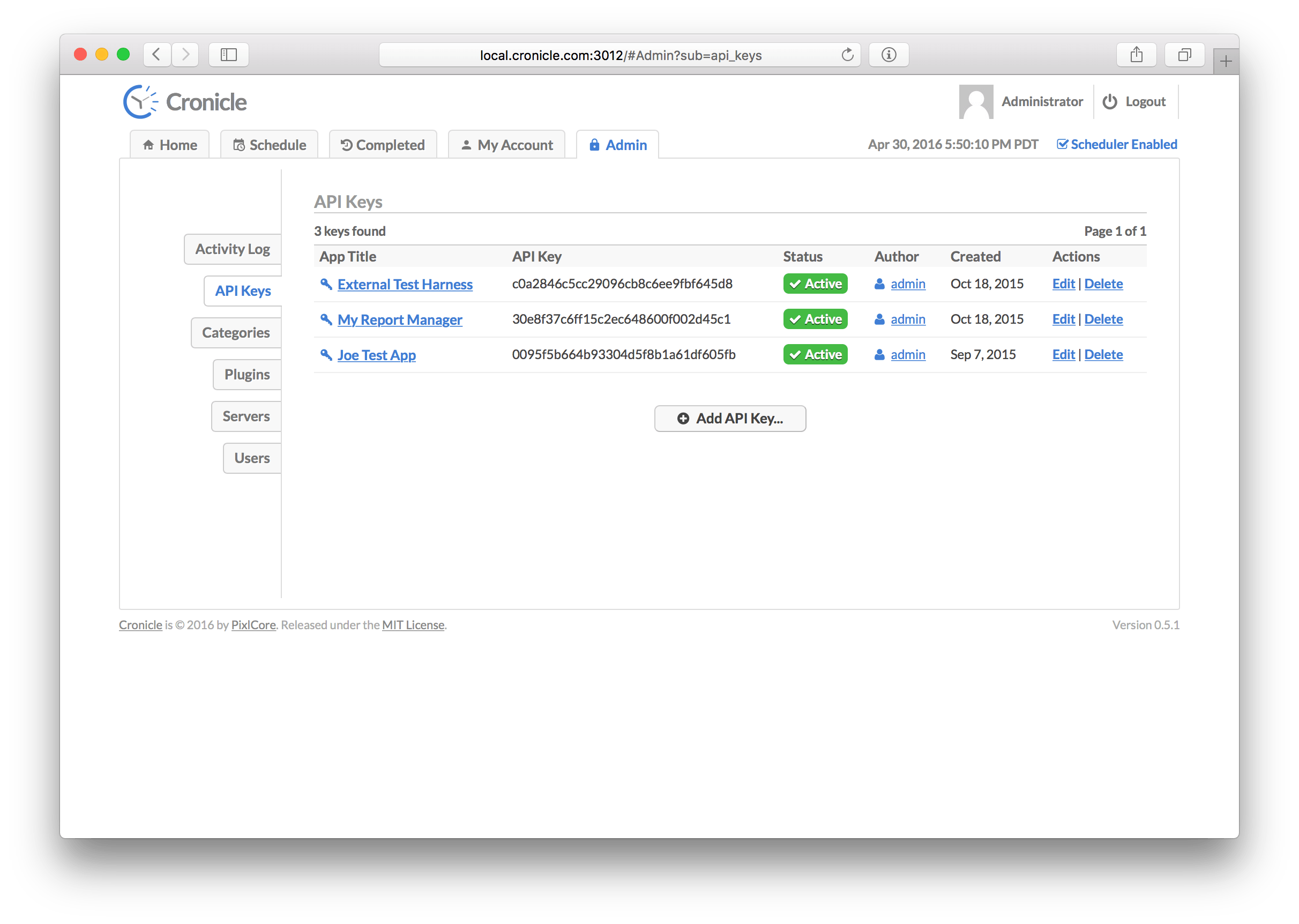
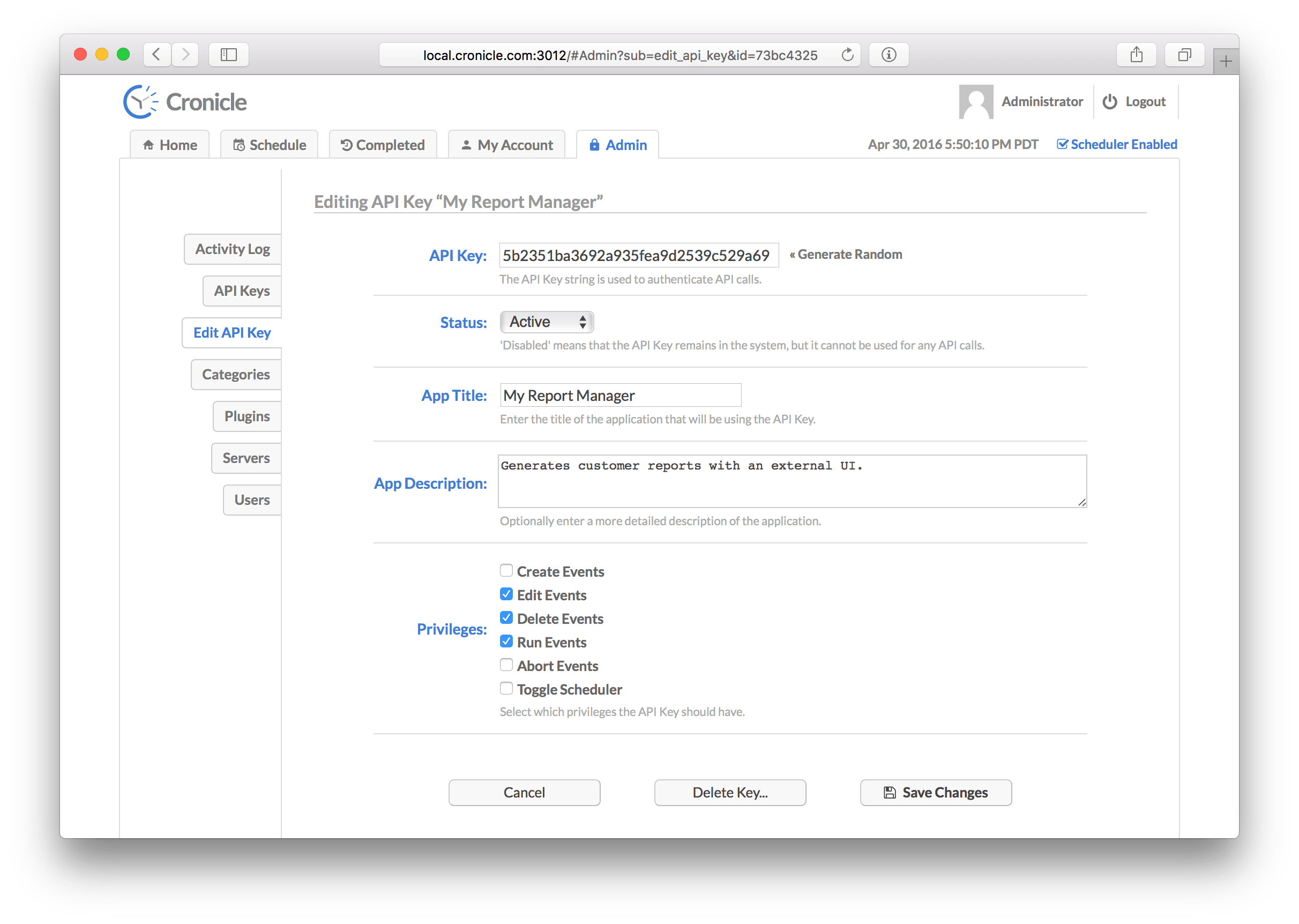
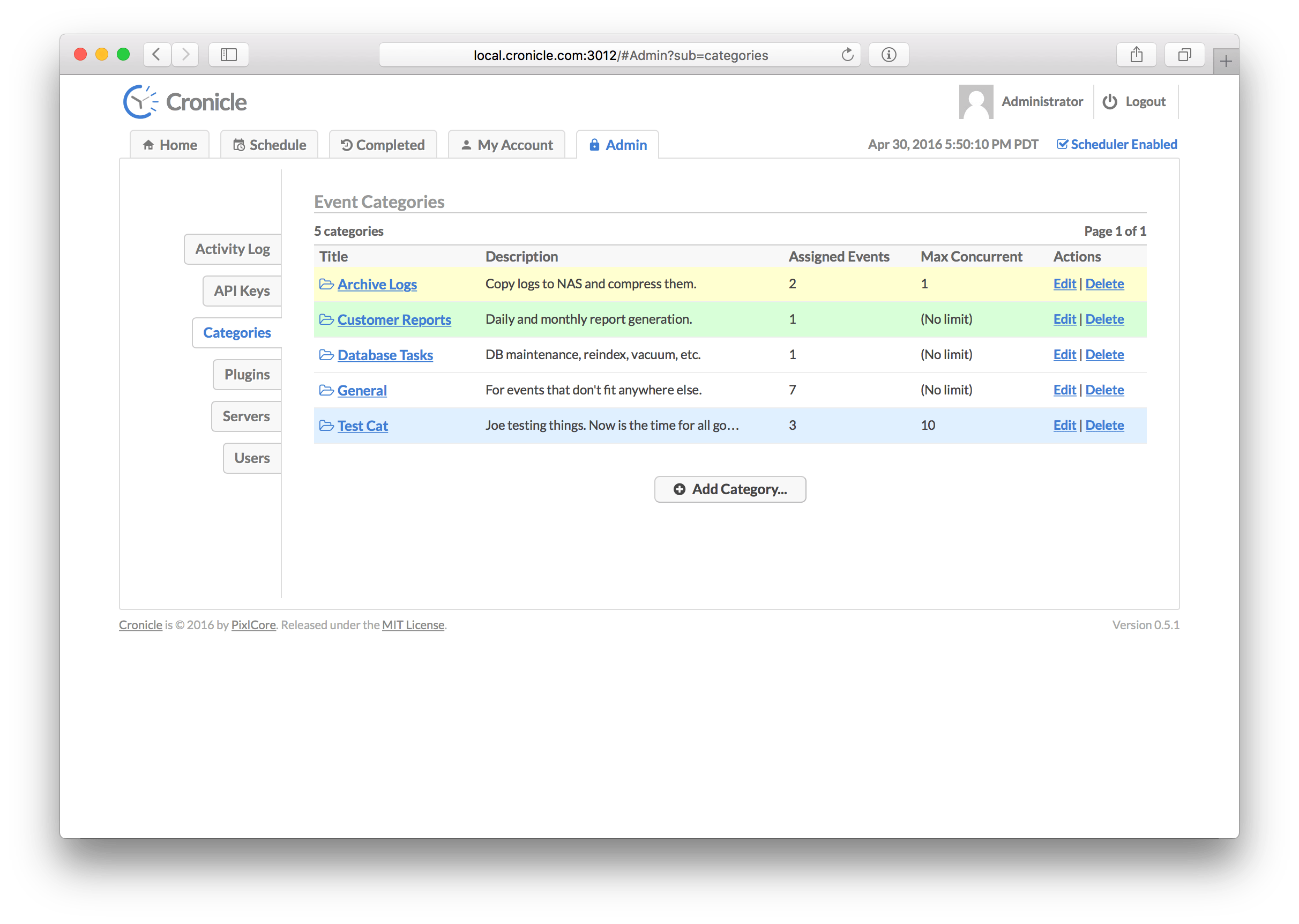
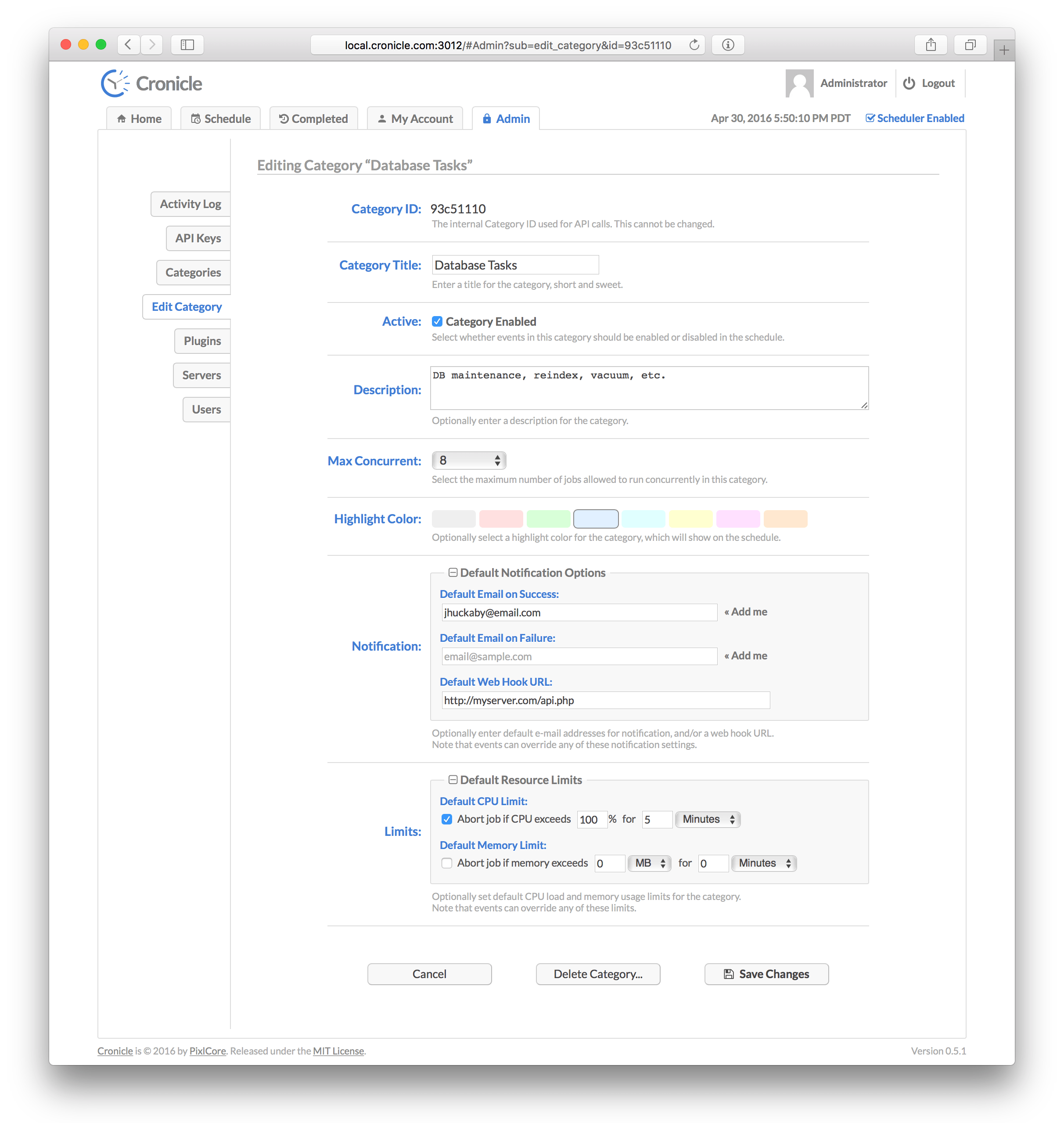
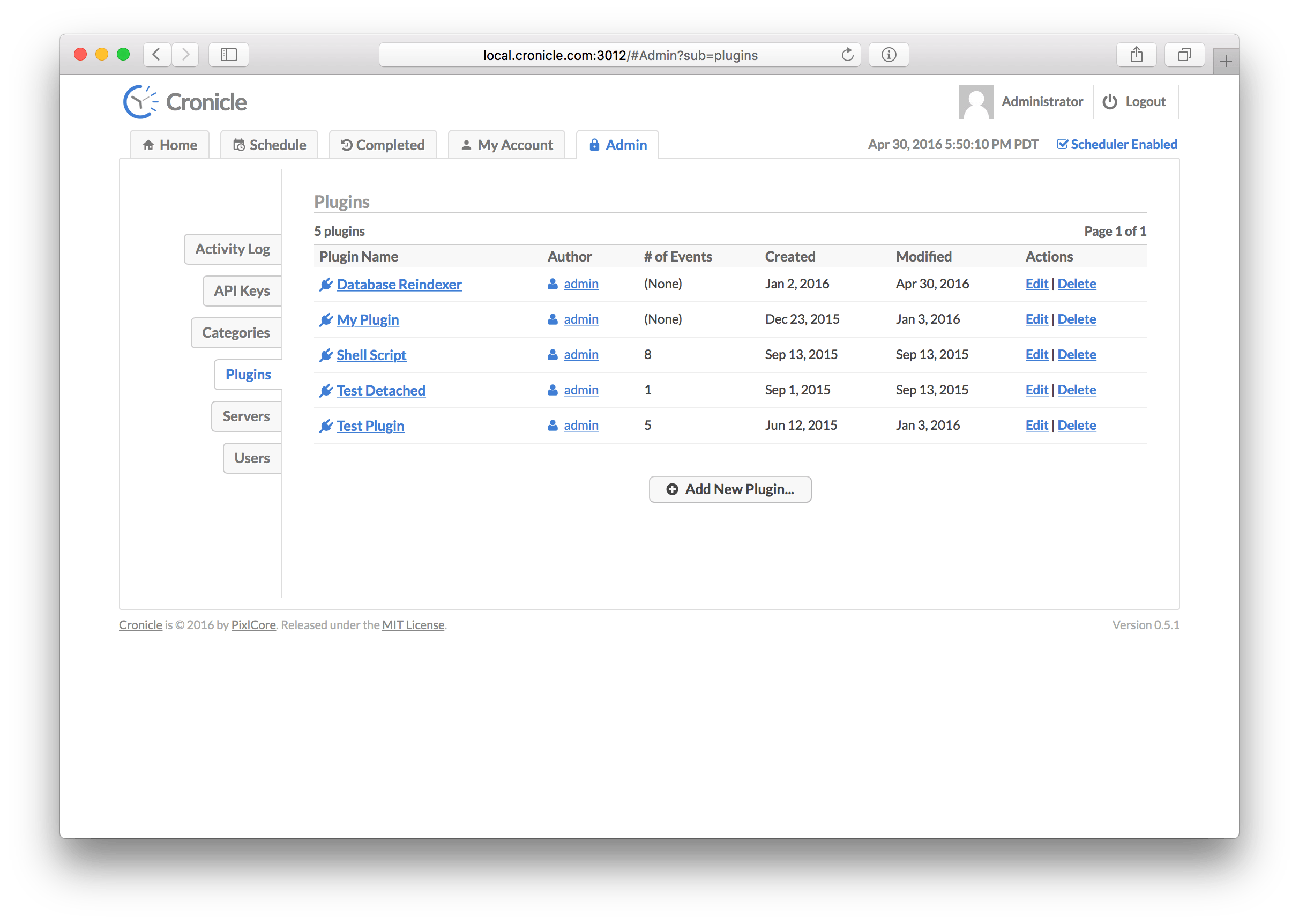
Snapshots
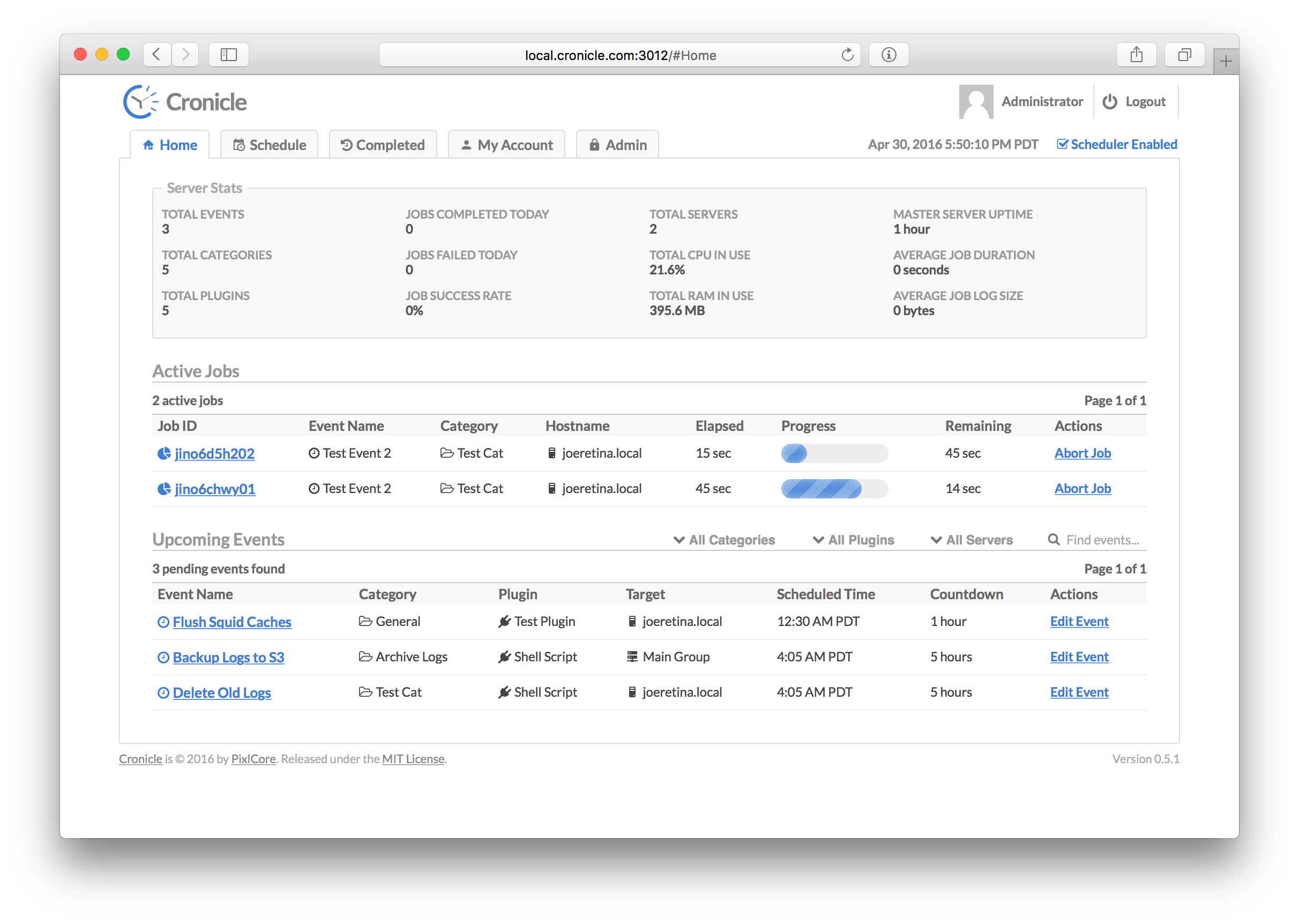
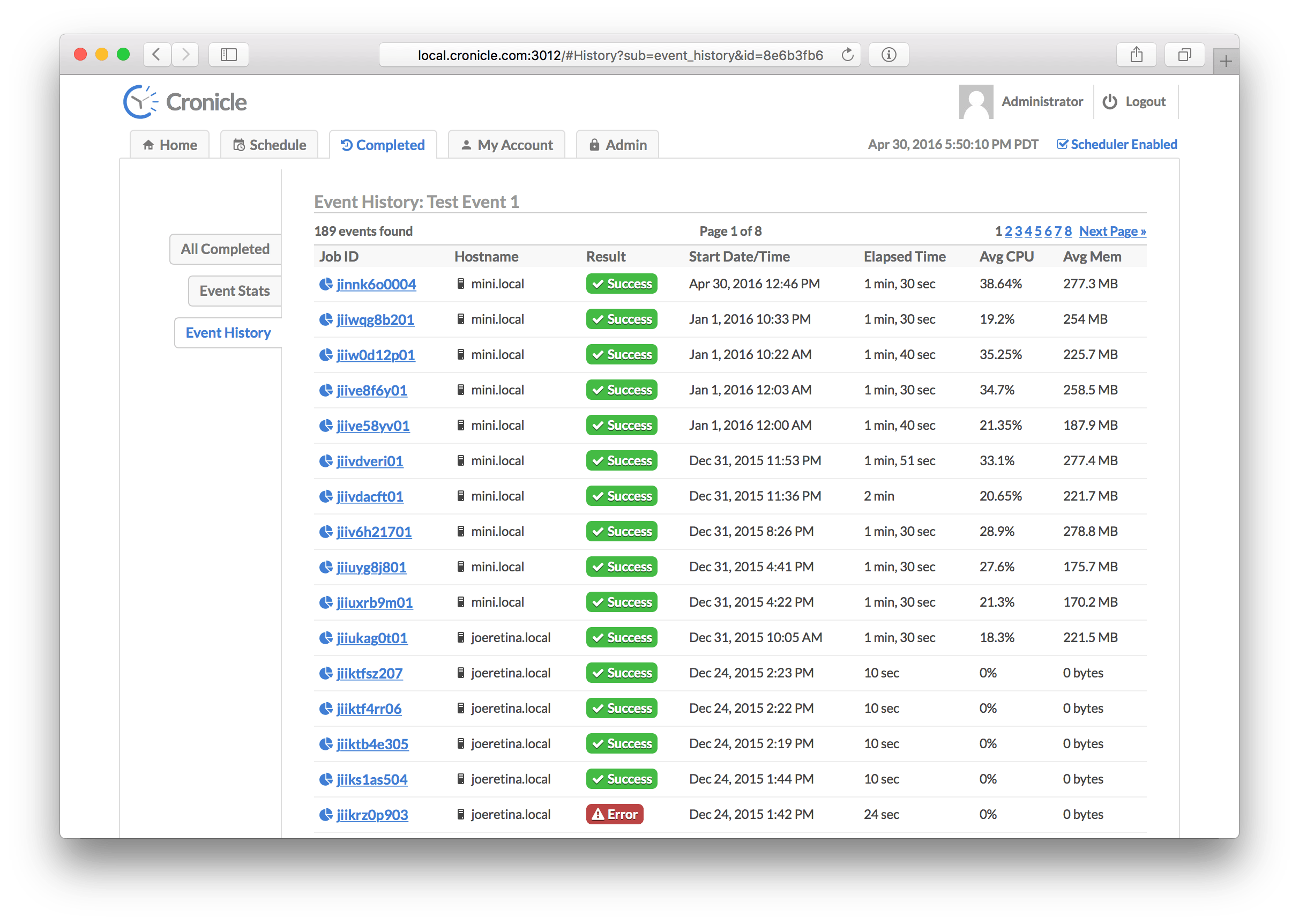
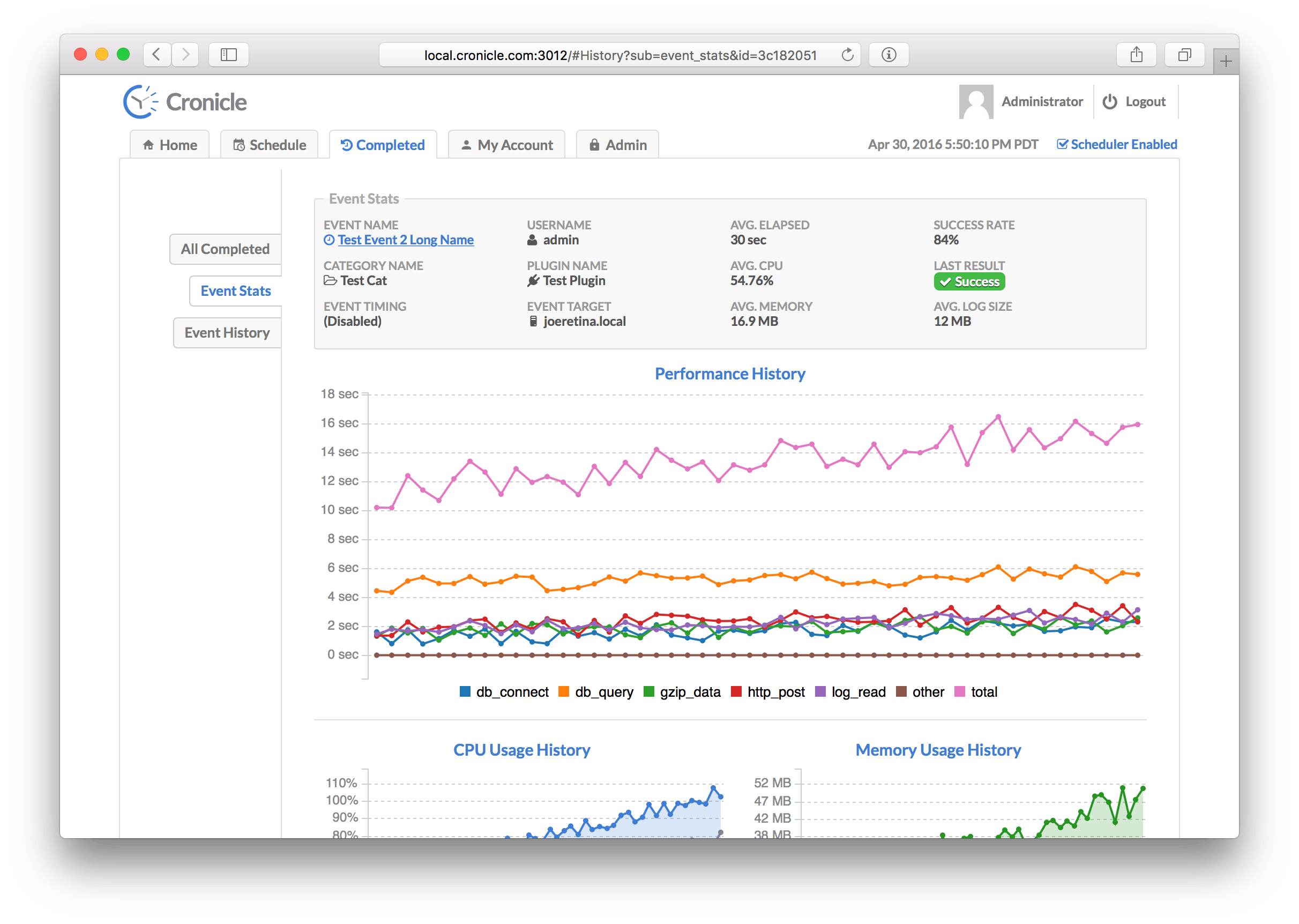
Home
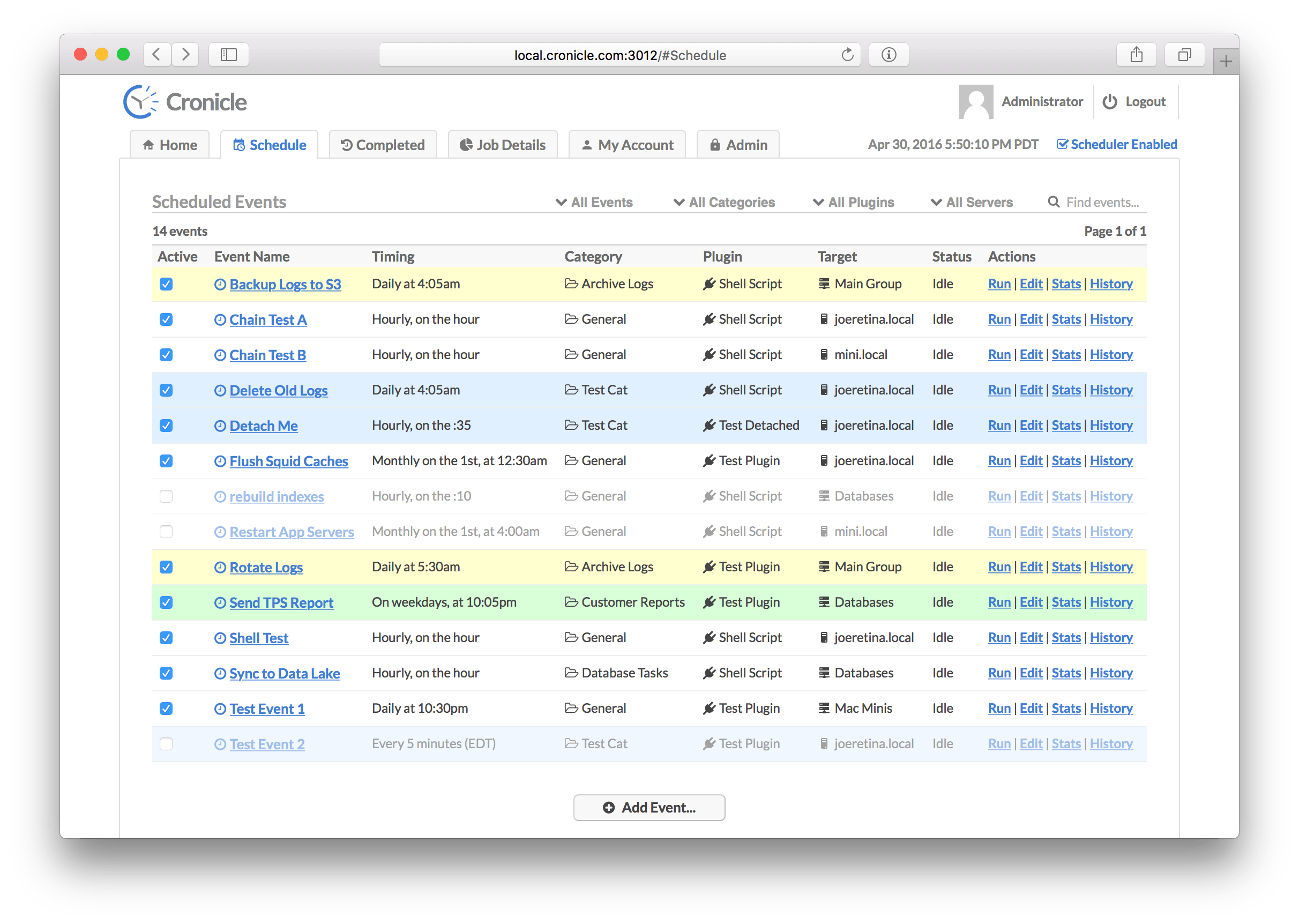
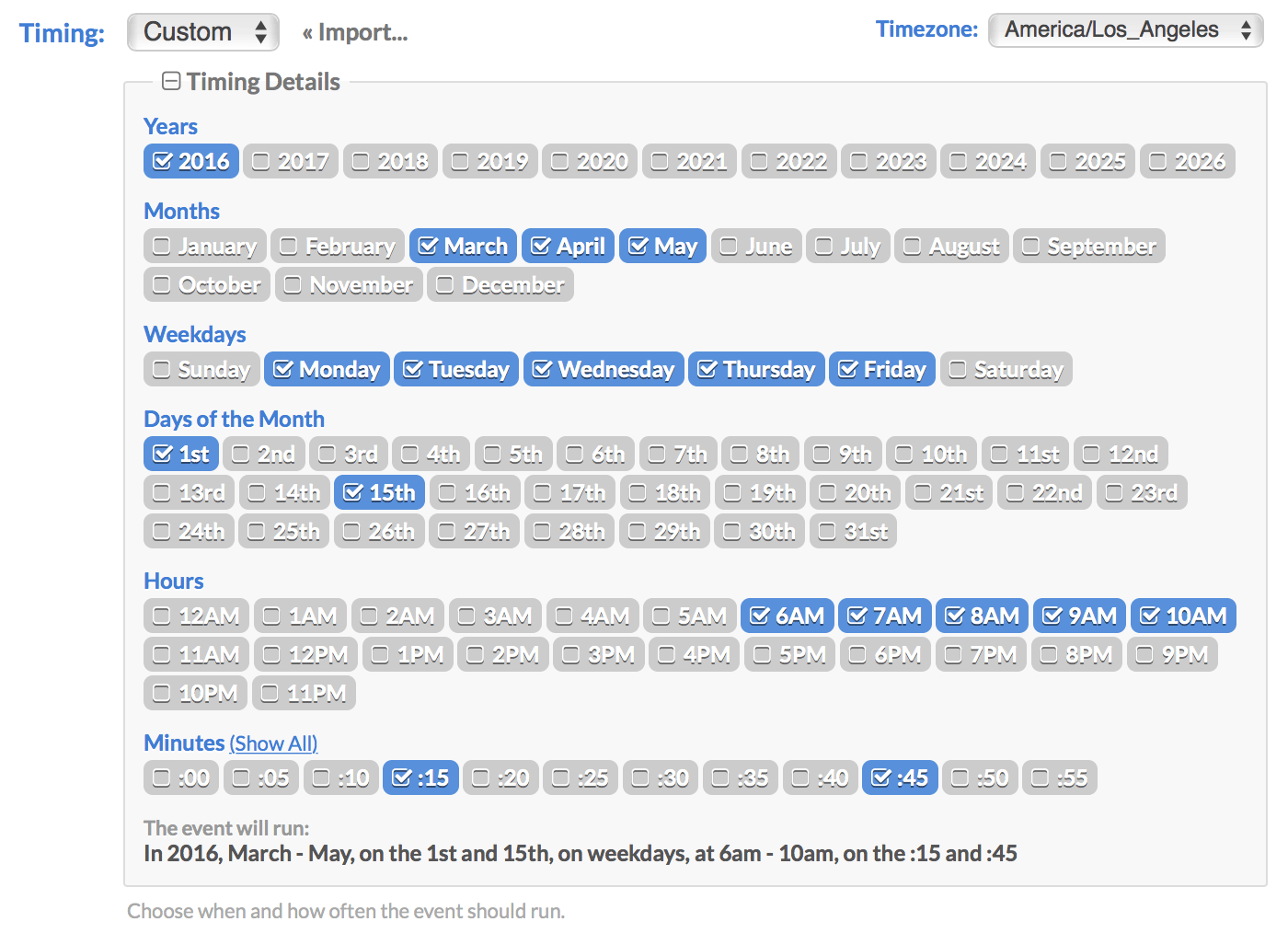
Schedule
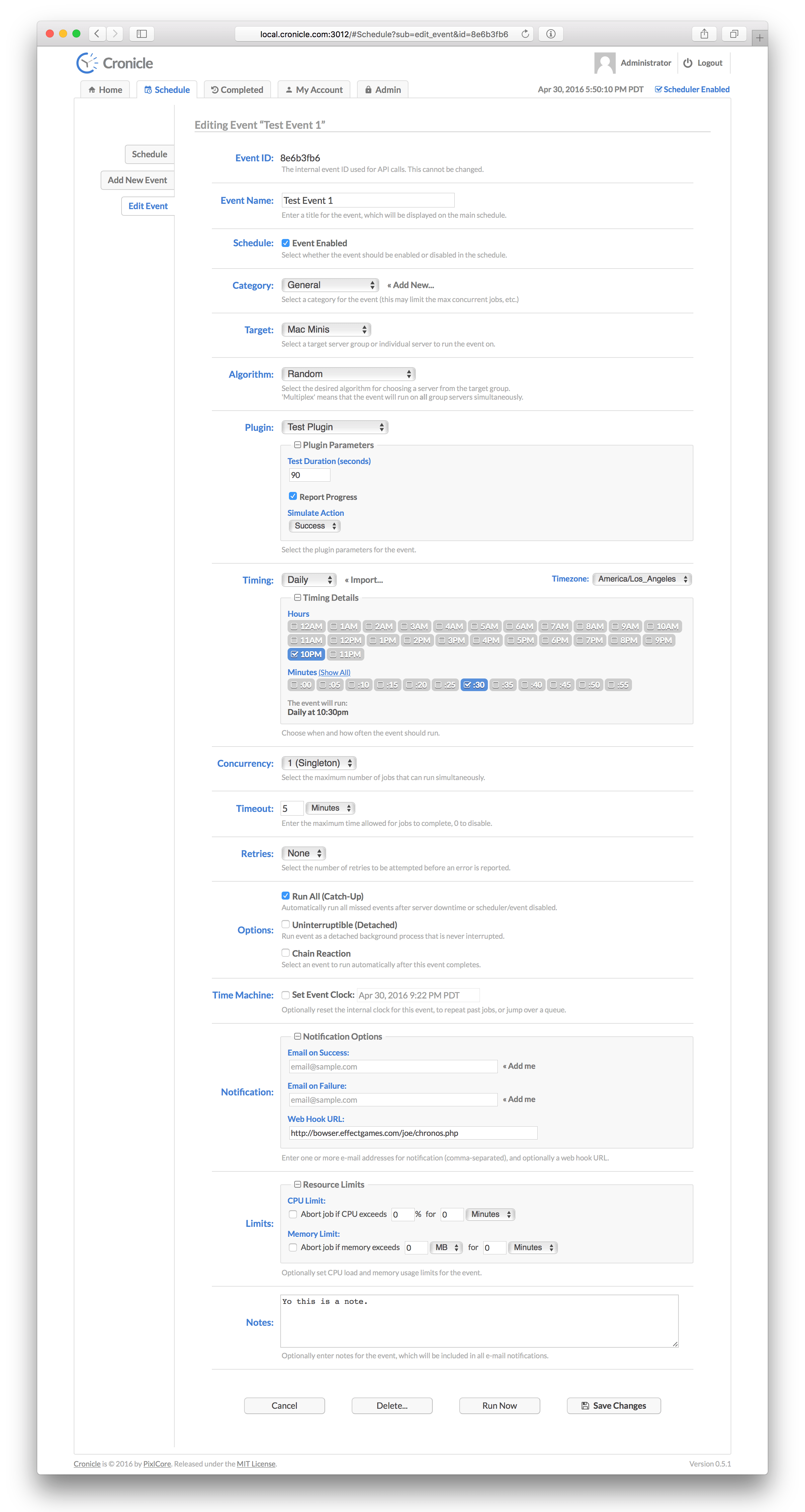
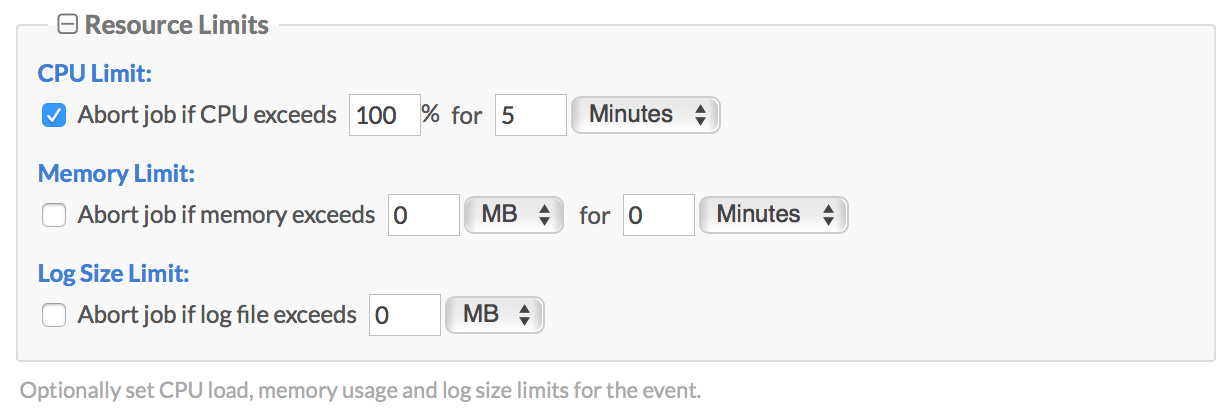
Event
Tag summary
Content type
Image
Digest
sha256:ac2512fa6…
Size
65.5 MB
Last updated
over 1 year ago
docker pull soulteary/cronicle